Introduction
AI image generation has changed how people create visuals. Designers, marketers, students, content creators, and even hobbyists now use AI tools to generate images quickly. While these tools seem simple at first, many beginners struggle to get consistent or realistic results. The problem usually is not the tool itself but misunderstanding how AI interprets instructions.
I remember spending hours trying to generate the perfect image, only to realize I was making basic mistakes. Once I understood what I was doing wrong, my results improved dramatically. This guide shares those lessons so you can avoid the same frustrations.
My name is Abuzar, and I have been researching and working with AI image generation for many years. I have tested tools, prompts, models, and workflows across different use cases, from casual creators to professionals.
This article explains the most common beginner mistakes in AI image generation, why they happen, and how to avoid them. If you understand these fundamentals, your results improve faster and you avoid frustration.
Understanding the Core Concept of AI Image Generation
Before discussing mistakes, it helps to understand how AI image generation actually works.
AI image generators do not “see” or “imagine” like humans. They analyze patterns learned from massive datasets of images and text. When you enter a prompt, the AI predicts what visual elements match those words based on training data.
Important points to understand:
- AI responds to clarity, not creativity alone
- It interprets keywords statistically, not emotionally
- Context matters more than long descriptions
- Conflicting instructions confuse the model
Many beginner mistakes come from assuming AI thinks like a human artist. It does not. Once I accepted this, everything became clearer.
Practical Examples
Let’s look at some realistic scenarios beginners face.
Example 1: Vague Instructions
A beginner asks for a “nice landscape.”
Result: Generic scenery because the request lacks detail.
Improved approach: Specify environment, lighting, mood, or perspective.
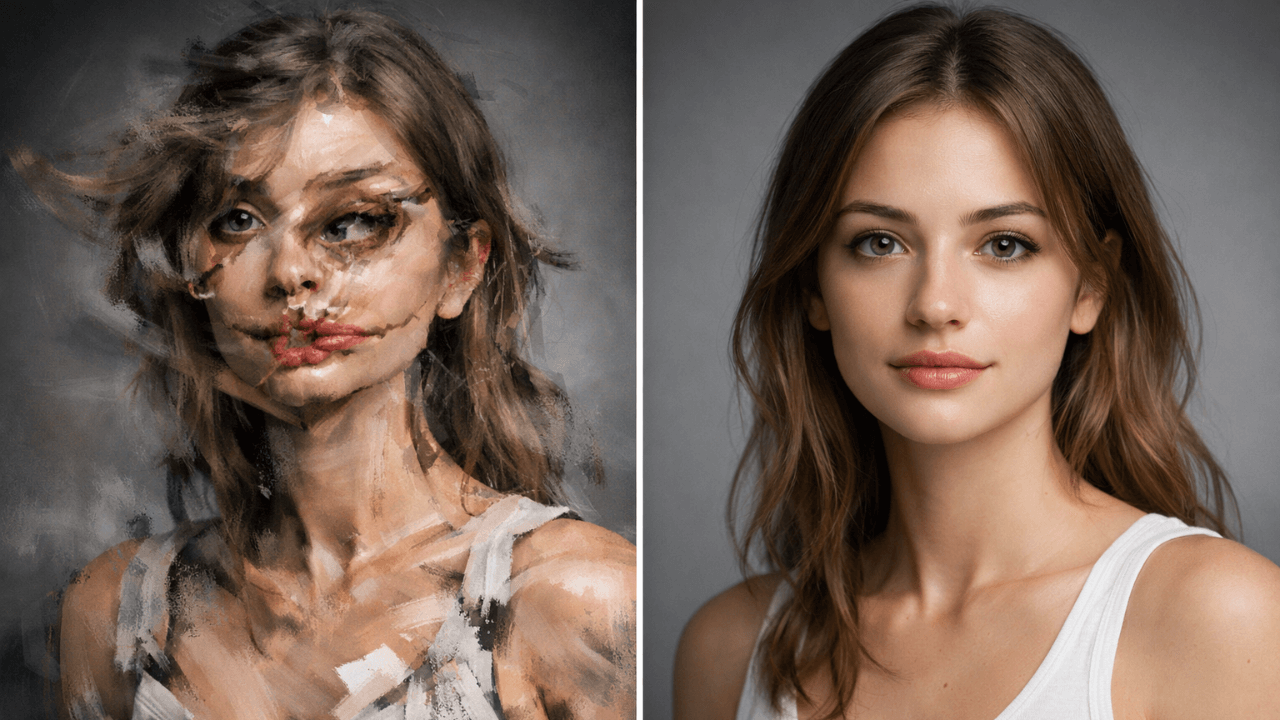
Example 2: Too Many Styles Mixed
Someone requests a realistic portrait with cartoon effects, cinematic lighting, anime eyes, and watercolor texture.
Result: Distorted or inconsistent image.
Better approach: Stick to one dominant style first.
Example 3: Unrealistic Expectations
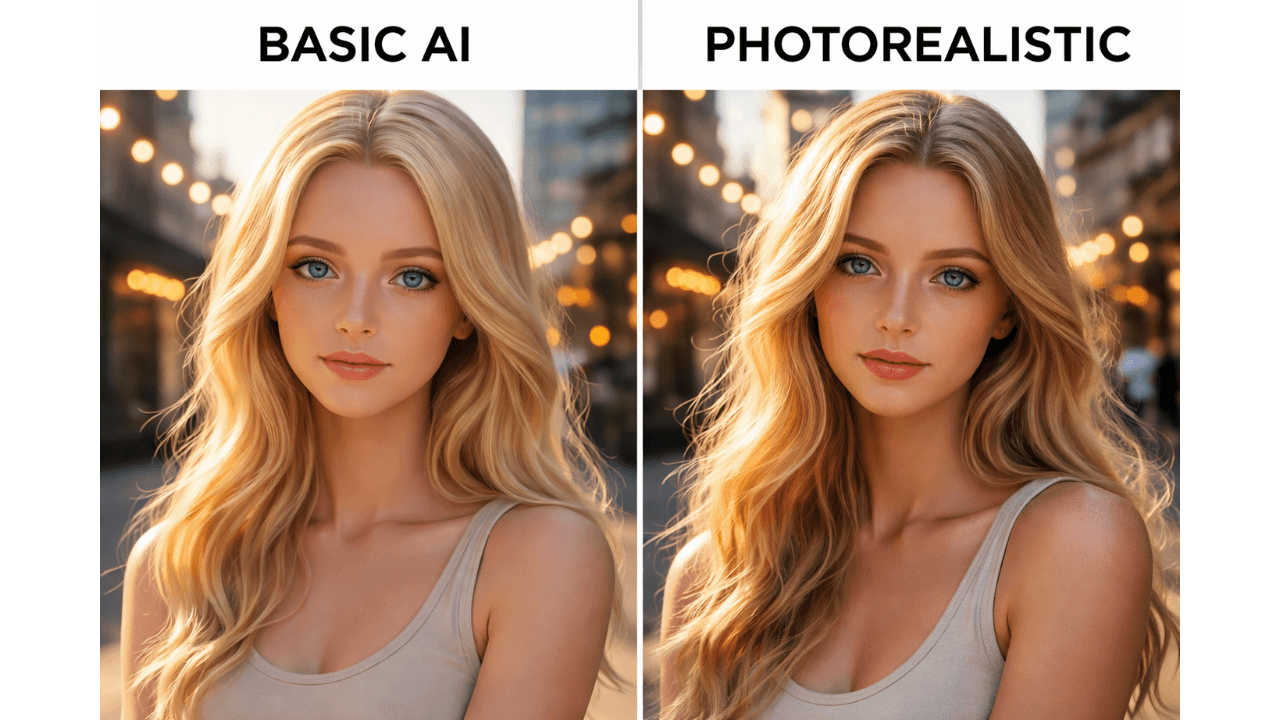
Beginners often expect perfect photorealism instantly. AI sometimes produces minor imperfections, especially with hands, text, or complex scenes.
Understanding limitations prevents disappointment. Our guide on [Why AI Images Look Fake and How to Fix It] explains the causes and solutions.
Most Common AI Image Generation Mistakes

1. Writing Overly Long Prompts
Many beginners believe longer prompts automatically give better images. Actually, excessive detail can confuse the AI.
Common issues:
- Contradictory instructions
- Reduced clarity
- Unexpected output elements
My Experience: Clear, focused prompts usually perform better. Our guide on [How to Customize AI Prompts for Realism] shows how to find the right balance.
2. Mixing Too Many Artistic Styles
Combining multiple visual styles in one request often creates inconsistent results. AI struggles when instructions conflict.
For example:
- Realistic photography mixed with cartoon aesthetics
- Anime style combined with hyperrealistic textures
- Oil painting combined with digital neon lighting
My Experience: Start simple, then experiment gradually.
3. Ignoring Lighting and Composition
Lighting is one of the biggest factors affecting realism. Beginners often overlook it.
Poor lighting instructions lead to:
- Flat images
- Unrealistic shadows
- Weak depth perception
My Experience: Even basic lighting direction improves results significantly. Our guide on [Lighting Styles Explained for AI Images] helps understand this.
4. Unrealistic Expectations From AI
AI tools are powerful but not perfect.
Common unrealistic expectations include:
- Perfect anatomy every time
- Accurate text rendering
- Complex scenes without artifacts
- Instant professional-quality output
My Experience: Treat AI as a creative assistant, not a magic solution.
5. Not Understanding Model Differences
Different AI models behave differently. Some focus on realism, others on artistic output.
Using the wrong model for the task often leads to poor results.
Examples:
- Artistic model for product photography
- Photorealistic model for cartoon art
My Experience: Knowing model strengths matters. Our comparison guide [Midjourney vs Leonardo vs Stable Diffusion] explains these differences.
6. Skipping Iteration
Beginners often generate one image and stop.
Professionals iterate:
- Adjust instructions
- Refine style gradually
- Test variations
My Experience: Iteration is key to quality.
7. Poor Subject Clarity
If the subject is unclear, the AI guesses.
This causes:
- Extra unwanted elements
- Wrong perspective
- Mixed themes
My Experience: Always keep the main subject clear.
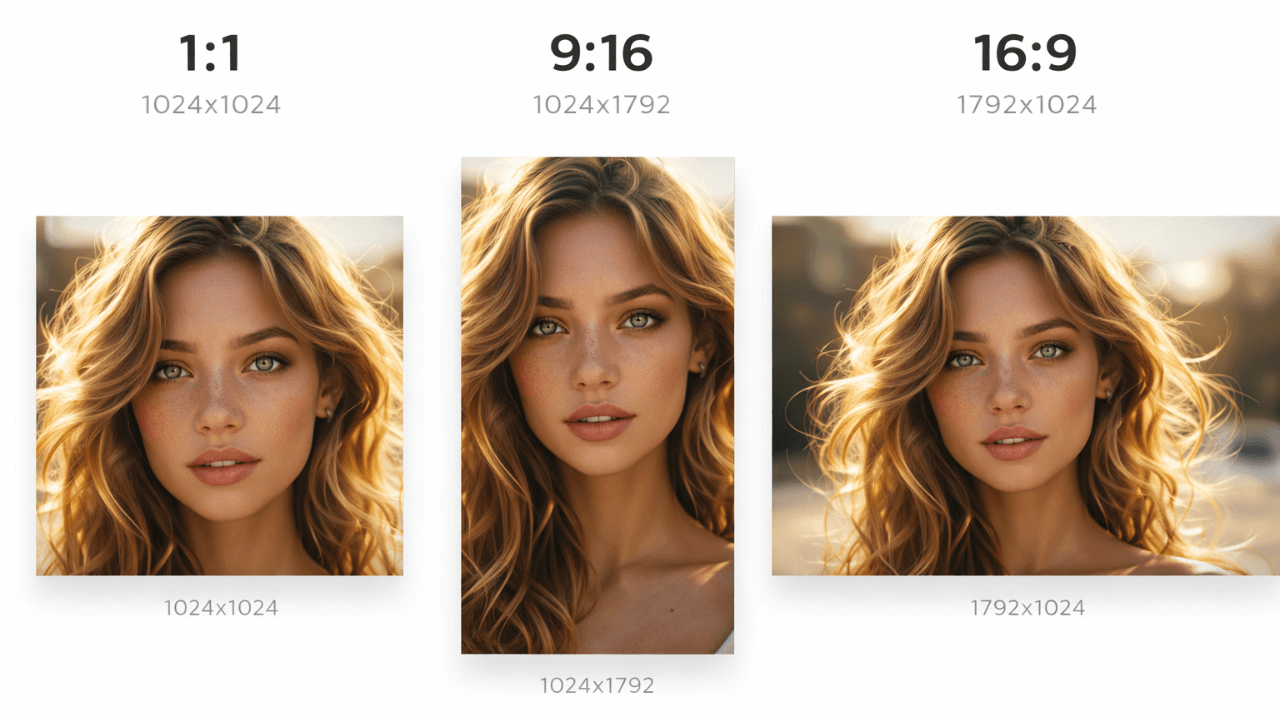
8. Ignoring Image Resolution Settings
Low resolution can make even good images look unprofessional.
Resolution affects:
- Detail clarity
- Print usability
- Editing flexibility
My Experience: Beginners often ignore this.
9. Lack of Consistency Strategy
If you need consistent characters or branding visuals, random prompts do not work well.
Consistency requires:
- Stable prompt structure
- Reference images or seeds
- Style discipline
My Experience: Beginners often overlook this.
Tips and Best Practices to Avoid These Mistakes
- Keep prompts clear and focused – Avoid unnecessary complexity. Clarity wins over length.
- Learn basic visual concepts – Understanding lighting, angles, and composition helps a lot
- Use one style first – Then gradually experiment with variations
- Iterate regularly – Refinement leads to better outcomes
- Understand tool strengths – Different tools excel at different tasks
- Manage expectations – AI improves productivity but still needs human judgment
For more on improving your results, our guide on [How to Customize AI Prompts for Realism] provides practical techniques.
Additional Advice for Beginners
- Start with simple projects – Do not jump directly into complex scenes
- Observe results carefully – Analyze what worked and what did not
- Document successful settings – Consistency improves when you track what works
- Stay updated – AI tools evolve quickly
I keep a notebook of successful prompts and settings. It’s become my most valuable resource.
Frequently Asked Questions (FAQ)
Why do AI-generated images sometimes look strange?
Usually because prompts lack clarity, styles conflict, or expectations exceed model capability. Our guide on [Why AI Images Look Fake and How to Fix It] explains this.
Do longer prompts guarantee better images?
No. Clear prompts usually perform better than long complicated ones.
Which AI tool is best for beginners?
Depends on goals. Some tools focus on realism, others on creativity. Try a few before deciding. [Leonardo AI for Realistic Images] is great for beginners wanting realism, while [Midjourney for AI Image Generation] suits creative types.
Can AI fully replace human designers?
Not really. AI speeds up workflows but human creativity, judgment, and refinement remain essential.
How long does it take to master AI image generation?
Basic proficiency can come quickly. Consistent professional results require ongoing practice.
Conclusion
AI image generation is powerful but understanding its limitations and behavior is essential. Most beginner mistakes come from unrealistic expectations, unclear instructions, or misunderstanding how AI interprets prompts.
If you focus on clarity, consistency, and gradual experimentation, results improve quickly. Treat AI as a collaborative tool rather than a replacement for creativity.
For a complete overview of tools, workflows, and fundamentals, read the main pillar article:
AI Image Generation Guide: How It Works, Best Tools, Common Mistakes, and Realistic Results .