
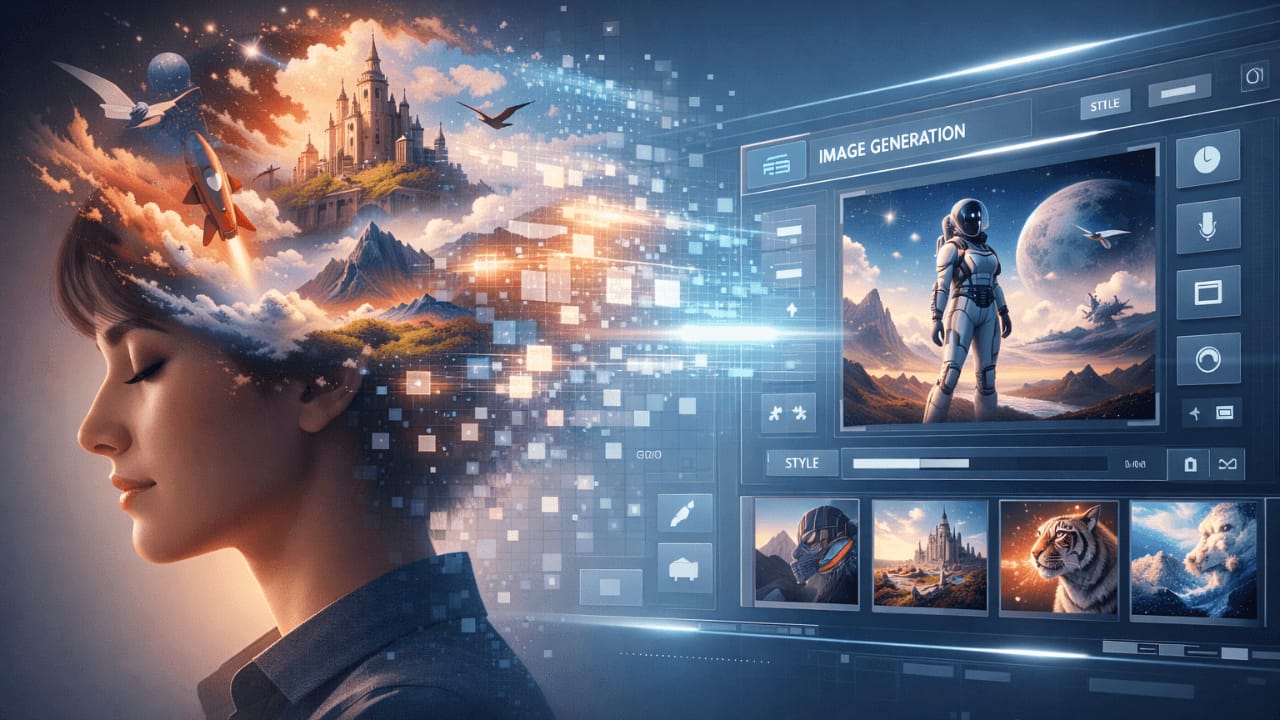
Introduction – What AI Image Generation Is and Why It Is Popular
When I first started exploring AI image generation two years ago, I had no idea how complex and fascinating this technology really is. I remember typing my first prompt – “a beautiful landscape” – and staring at the screen in disbelief as an image appeared from nowhere. But soon, the excitement turned to frustration when the results weren’t consistent. Sometimes I’d get a masterpiece, other times something completely unusable.
After generating hundreds of images, testing countless prompts, and experimenting with every major tool available, I’ve learned what works and what doesn’t. This guide shares everything I wish I’d known when I started.
AI image generation has exploded in popularity because it removes traditional barriers. You no longer need a camera, studio, or advanced design skills to create visuals. With a simple text description, AI can generate artwork, illustrations, product images, portraits, and concepts in seconds. That speed and accessibility are exactly why creators, marketers, and developers are adopting it so fast.
This pillar guide is designed to give you a clear foundation. It explains how AI image generation works, what actually matters, and why beginners often struggle. Later, you will be able to dive deeper into each topic through detailed cluster articles.
What Is AI Image Generation?
AI image generation is the process of creating images using artificial intelligence models trained on massive datasets of images and text. Instead of manually drawing or editing, you describe what you want in words, and the AI generates an image that matches that description.
At a basic level, the AI is not “imagining” like a human. It is predicting what pixels should look like based on patterns it learned during training. When you understand this, many common misunderstandings disappear.
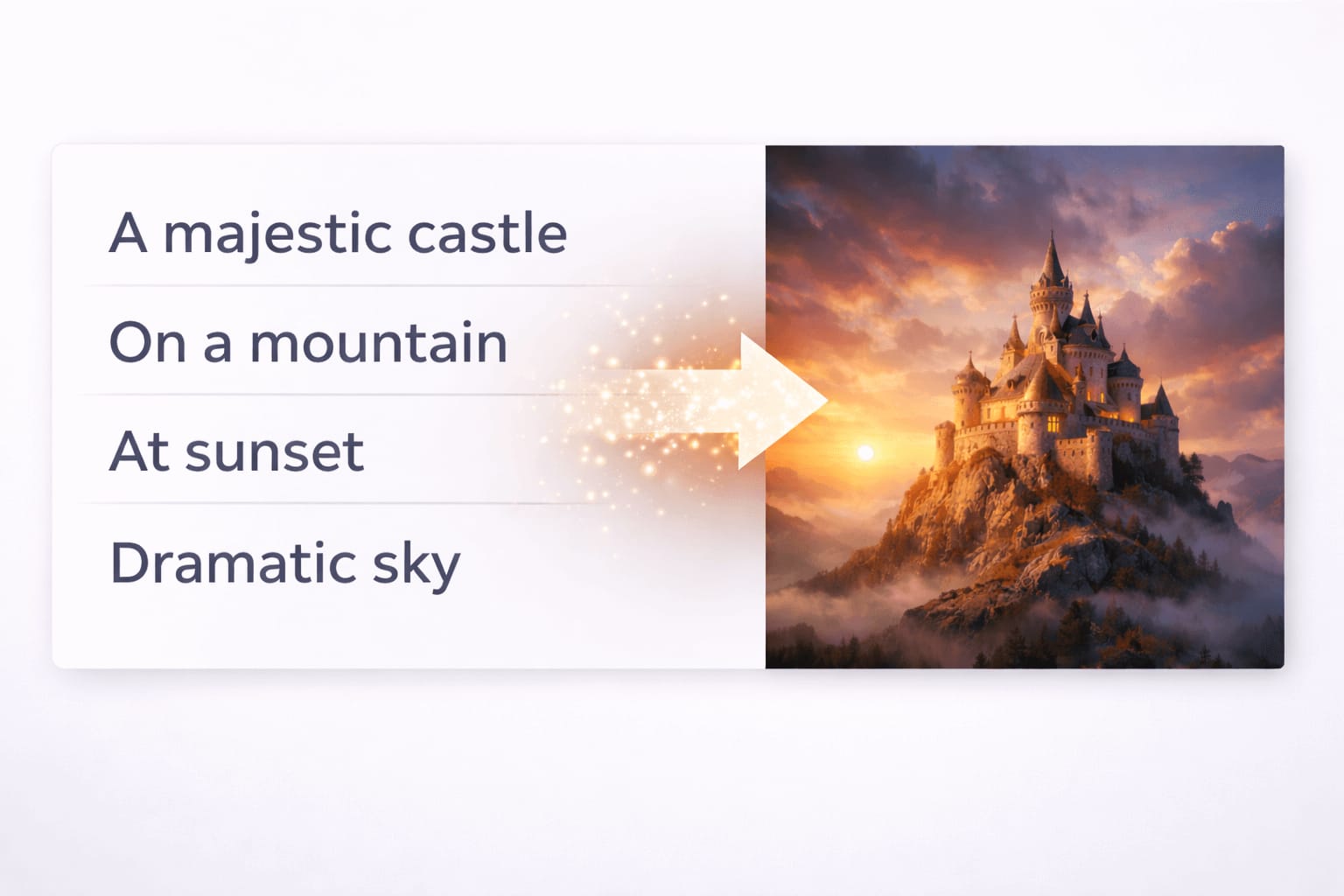
When I first learned this, it changed how I wrote prompts. I stopped trying to be poetic and started being visual. Instead of “a peaceful scene,” I’d write “a quiet lake at sunset with mountains in the background.” The difference in results was immediate.
AI image generation is used for:
- Digital art and illustrations
- Marketing visuals and ads
- Concept art and storyboards
- Social media content
- Product mockups
The results can look artistic or photorealistic, depending on how the system is used.
How AI Image Generation Works
Most modern AI image generators follow a text-to-image process. You give text input, and the system converts that text into visual output.
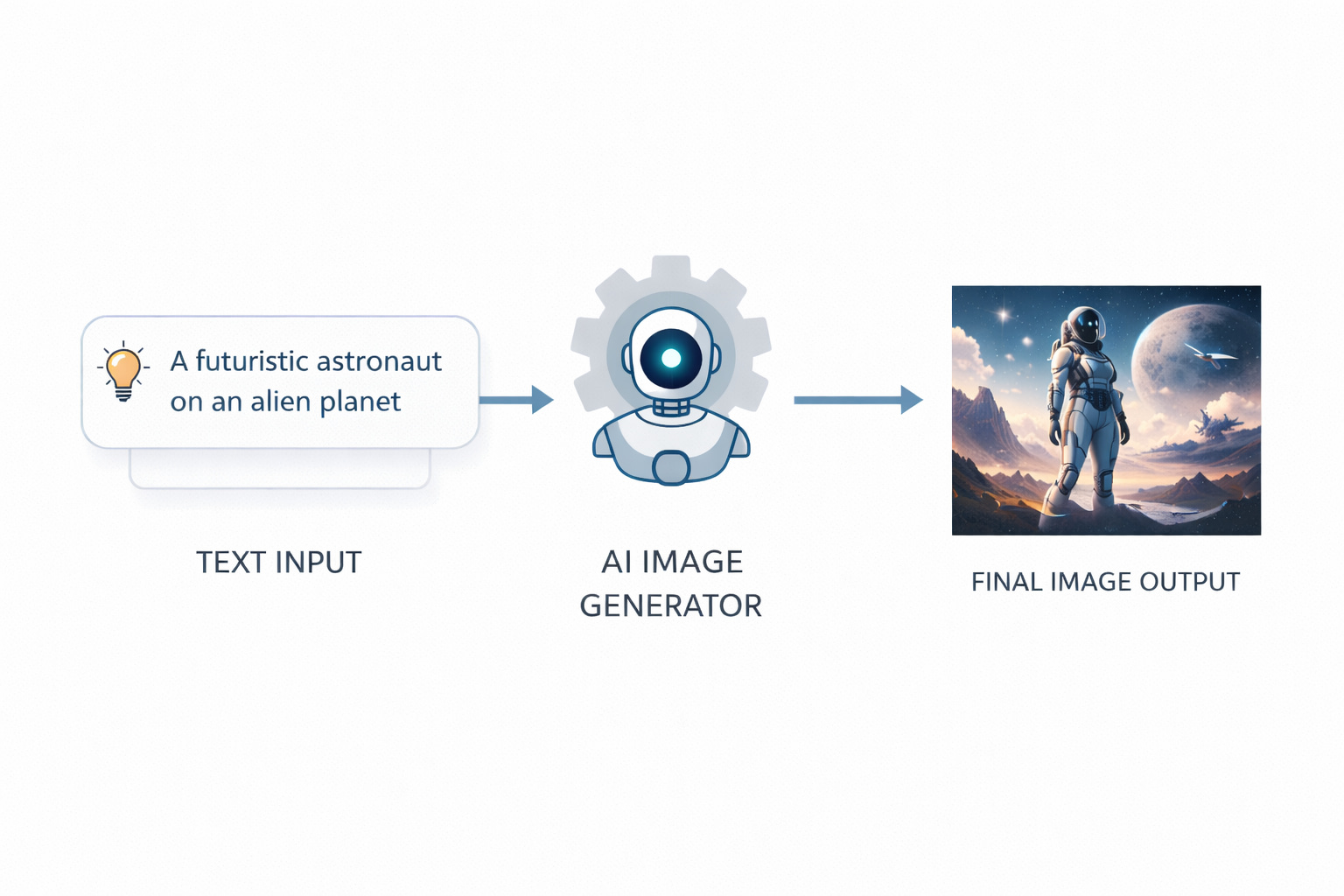
Behind the scenes, the model starts with visual noise and gradually refines it. Step by step, it removes randomness and replaces it with shapes, colors, and details that align with your text. This happens very fast, but the process itself is layered and structured.
Watching this process happen step by step helped me understand why clarity matters. If my prompt was vague, the AI had too many choices and often picked wrong ones. When I became more specific, the results became more predictable.
Understanding this workflow is important because it explains why clarity beats complexity and why vague inputs lead to strange images. For a complete technical breakdown, I’ve written a detailed guide on How AI Image Generation Works Step by Step . It explains the full process from prompt input to final output in a way that’s easy to follow.
Once that foundation is clear, my guide on Text to Image Explained for Beginners helps you better understand how written descriptions are interpreted and transformed into visual results in practical, real-world scenarios.
Role of Prompts
Prompts are the instructions you give to the AI. They describe the subject, style, environment, and sometimes technical details like lighting or perspective.
A prompt is not a magic spell. It is guidance. The AI tries to match your words with patterns it already knows. If the prompt is unclear or overloaded, the output becomes inconsistent.
I used to think longer prompts meant better images. I’d write paragraphs describing every tiny detail. The results were often worse than when I kept things simple. Now I focus on clarity over length.
A simple example:
Instead of describing ten styles at once, a clear subject with a single visual direction often produces better results.
If you want to go deeper into this topic, my detailed article Role of Prompts in AI Image Generation explains how prompts guide AI decisions at different stages. For practical, real-world control and refinement techniques, [How to Customize AI Prompts for Realism] walks through improving clarity, balance, and visual intent.
To understand what should be avoided and how unwanted elements are handled, [Negative Prompts Explained] breaks down how exclusions influence final results. Together, these guides help you build better prompts with consistency and confidence.
Role of AI Models

AI models are the brain of image generation systems. Each model is trained differently and understands prompts in its own way. To fully understand how AI image models interpret visual information and connect language with images, I’ve written a detailed guide on [How AI Models Understand Images] that explains this process step by step.
Some models are better at realism. Others lean toward illustration or artistic styles. This is why the same prompt can produce very different results across tools.
I once took the same prompt and ran it through Midjourney, Leonardo, and Stable Diffusion. The results were so different that they looked like completely different prompts. That’s when I realized that choosing the right model is just as important as writing a good prompt.
Models do not understand meaning the way humans do. They recognize relationships between words and visual patterns. That is why certain terms consistently work while others feel ignored.
Choosing the right model is just as important as writing a good prompt. My guide on [Midjourney for AI Image Generation] explains how this popular tool approaches creativity differently. For those focused on realism, [Leonardo AI for Realistic Images] breaks down what makes this tool stand out. And if you’re interested in open-source flexibility, [Stable Diffusion Explained for Beginners] covers everything you need to know.
To understand how these tools compare side by side, my comprehensive comparison [Midjourney vs Leonardo vs Stable Diffusion] helps you choose the right platform for your specific needs.
How Output Is Generated
Once you submit a prompt, the model processes it in multiple stages. It analyzes keywords, interprets relationships, and starts refining an image from abstract noise into a structured visual.
The final output depends on:
- Prompt clarity
- Model capabilities
- Settings like resolution and aspect ratio
- Random variation inside the generation process
This is also why regenerating the same prompt can give slightly different images each time. I’ve learned to embrace this variation – sometimes the second or third attempt produces something even better than the first.
Popular AI Image Generation Tools
Several tools dominate the AI image generation space. Each has strengths and limitations, and this guide only gives a high-level overview.
Midjourney – Known for strong artistic output and creative styles. Popular among designers and artists. My detailed guide on [Midjourney for AI Image Generation] explores its unique approach.
Leonardo AI – Focused on control, realism, and consistency. Often used for game assets and realistic visuals. Learn more in [Leonardo AI for Realistic Images] .
Stable Diffusion – Open-source and highly customizable. Preferred by technical users who want full control. My beginner-friendly guide [Stable Diffusion Explained for Beginners] makes it accessible to everyone.
If you want a clearer side-by-side understanding of how these tools differ in real use cases, features, and output quality, I’ve written a detailed comparison article [Midjourney vs Leonardo vs Stable Diffusion – AI Image Tools Comparison] . It breaks down practical differences to help you choose the right tool.
Common Beginner Mistakes
Most beginners struggle not because AI is bad, but because expectations are wrong. I made every mistake you can imagine, so you don’t have to.
I remember spending hours trying to generate the perfect image, only to realize I was using the wrong model for what I wanted. Once I understood the basics, everything became easier.
Common mistakes include:
- Writing overly long prompts with conflicting styles
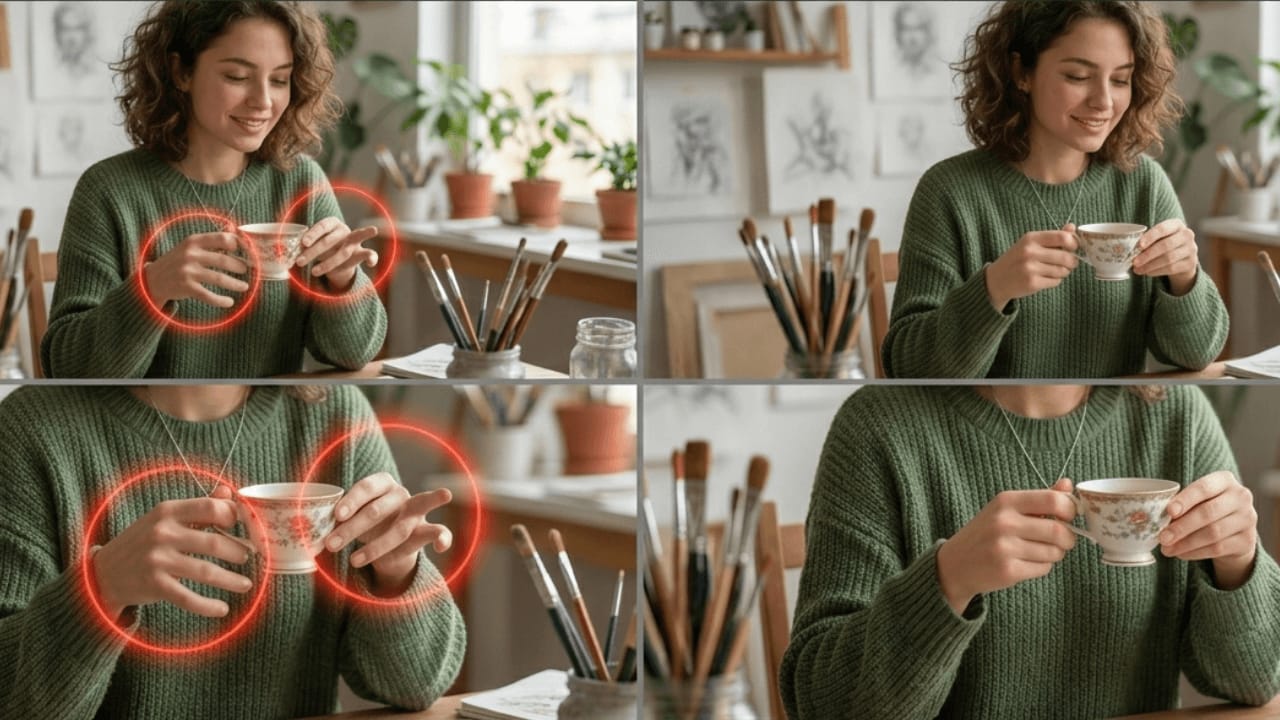
- Expecting perfect realism without understanding lighting or perspective
- Using the wrong model for the desired result
- Ignoring resolution and framing
These issues compound quickly and lead people to believe the tool is broken, when the problem is usually workflow-related.
For a deeper breakdown of these issues and how to avoid them, my guide on [Common Beginner Mistakes in AI Image Generation] covers everything in detail, with practical solutions for each problem. If realism issues are your main concern, [Why AI Images Look Fake and How to Fix It] explains the causes and practical solutions.
How to Get Realistic AI Images
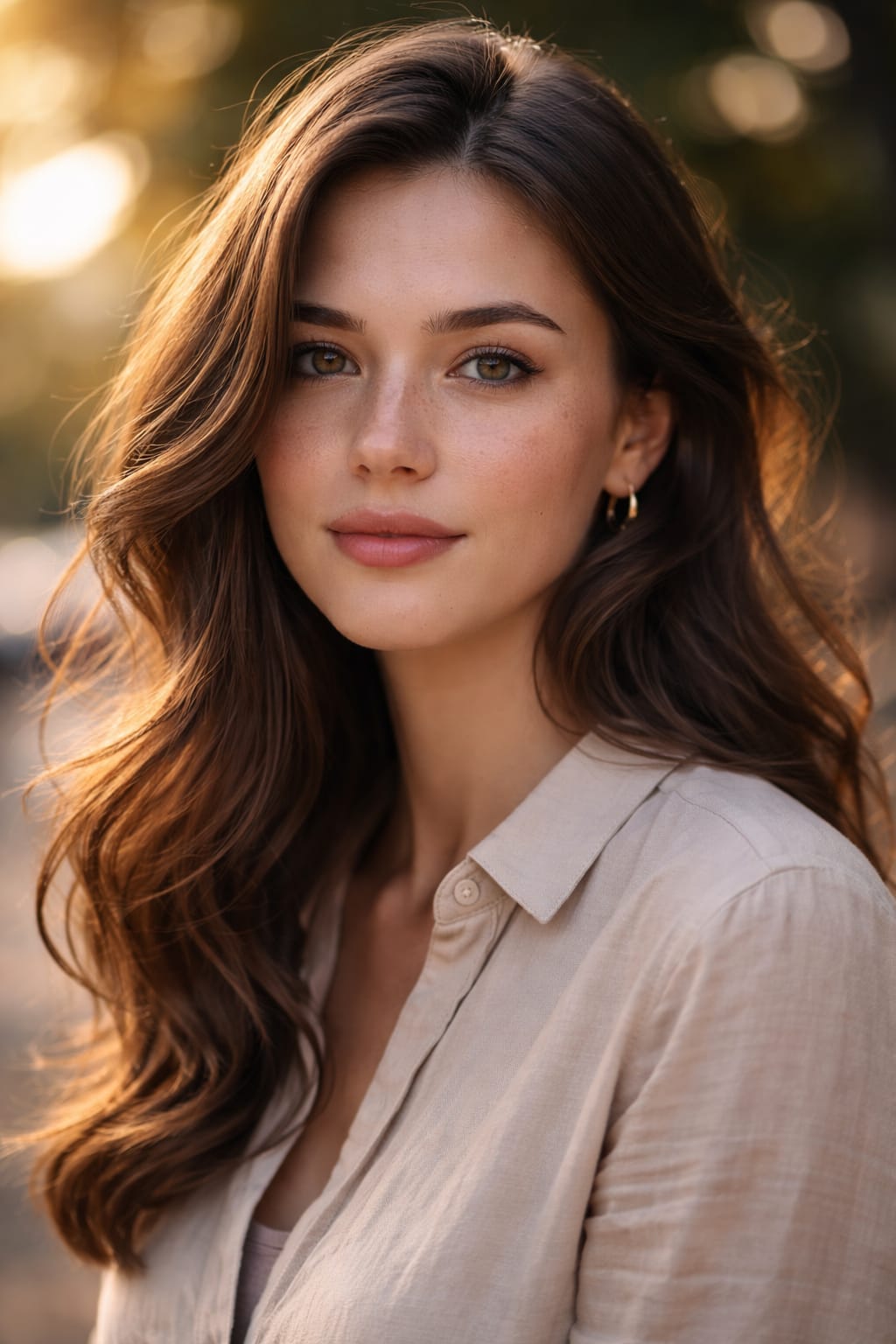
Realism comes from structure, not complexity.
High-level principles that matter:
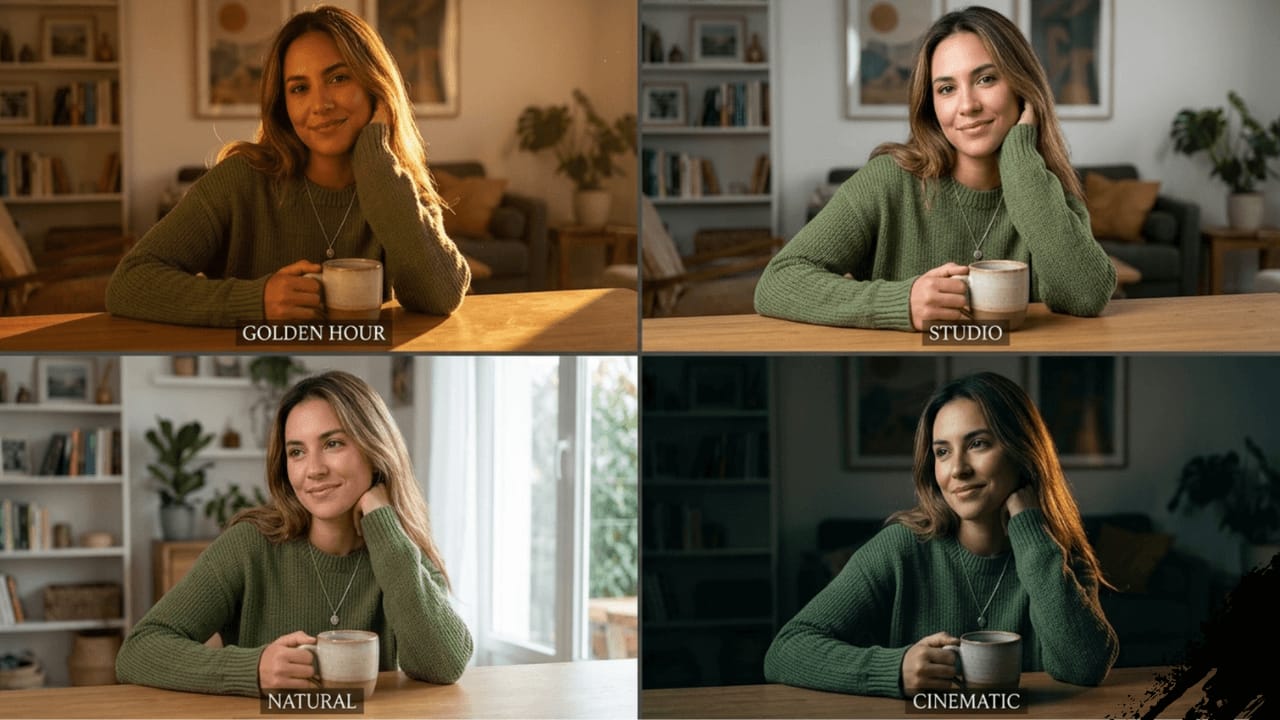
- Clear lighting direction
- Simple, believable environments
- Natural camera perspectives
- Consistent visual style
Photorealistic results require thinking like a photographer, not a painter. You do not need technical jargon, but you do need visual logic. I started paying attention to how light behaves in real photos, and my AI images improved dramatically.
For those wanting to master realistic image generation, my guide on [Leonardo AI for Realistic Images] is a great starting point. If you’re interested in technical aspects like camera settings, [Camera Terms Explained for AI Image Generation] breaks down what terms like aperture and focal length mean for AI. And for lighting specifically, [Lighting Styles Explained for AI Images] helps you understand how different lighting affects mood and realism.
Do AI Image Prompts Matter?
Yes, prompts matter, but not in the way most people think.
A prompt sets boundaries. It does not micromanage every pixel. Strong prompts are focused, descriptive, and realistic. Weak prompts are vague or overloaded.
The biggest improvement I saw came from understanding how models interpret language, not from copying long prompt lists. Once I stopped treating prompts as commands and started treating them as guidance, my results became much more consistent.
For a complete understanding of prompt strategy, my guide on [Role of Prompts in AI Image Generation] explains the theory, while [How to Customize AI Prompts for Realism] provides practical techniques. If you want to understand what to exclude, [Negative Prompts Explained] is essential reading.
Frequently Asked Questions About AI Image Generation
What is AI image generation in simple terms?
AI image generation is the process of creating images using artificial intelligence based on text descriptions. The AI analyzes your input and generates visuals by predicting patterns it learned during training.
Do I need design skills to use AI image generation tools?
No. Most AI image generation tools are designed for beginners. You only need a basic understanding of how prompts work to start creating images.
Why do AI-generated images sometimes look unrealistic?
AI images usually look unrealistic due to unclear prompts, incorrect lighting concepts, or using the wrong model for the desired result. Improving realism requires better visual logic rather than longer prompts.
Are all AI image generation tools the same?
No. Different tools use different models and training data. This is why the same prompt can produce very different results across platforms.
Do longer prompts always give better results?
Not always. Clear and focused prompts often work better than long prompts filled with conflicting instructions.
Can AI image generation replace photographers or designers?
AI image generation is a tool, not a replacement. It helps speed up creative workflows, but human judgment and creativity are still essential for high-quality results.
Is AI image generation free to use?
Some tools offer free versions with limitations, while others require paid plans for higher quality, speed, or commercial use.
Is it ethical to use AI-generated images?
Yes, if used responsibly. Ethical use involves avoiding impersonation, respecting copyright rules, and being transparent when required.
Conclusion and Next Steps
AI image generation is powerful, but only when used correctly. Once you understand how the process works, why models behave differently, and what mistakes to avoid, results improve fast.
When I started this journey, I never imagined I’d be able to create professional-quality images in minutes. Now, with the right approach, I can generate visuals that would have taken days or weeks to create traditionally.
This pillar guide is the foundation of a complete learning structure. Each section here connects to dedicated cluster articles that go deeper into:
- Common problems and how to fix them
- Text-to-image concepts for beginners
- Prompt strategy and realism
- Tools comparison and workflows
I’ve organized everything to make your learning journey as smooth as possible. Start with the basics, explore the topics that interest you, and soon you’ll be creating images you never thought possible.
Thank you for reading, and happy creating!
4 thoughts on “AI Image Generation Guide: How It Works, Best Tools, Common Mistakes, and Realistic Results”
Comments are closed.