Introduction
When I first started using AI image generators, I treated them like magic boxes. I’d type a prompt, wait a few seconds, and hope for something good. Sometimes it worked, often it didn’t. It wasn’t until I understood what was happening behind the scenes that my results became consistently better.
AI image generation allows computers to create images from text descriptions. What once required professional design skills can now be done by anyone using simple language and the right tools. This technology is widely used in design, marketing, education, social media, and even product development.
The moment I understood the step-by-step process, everything clicked. I stopped guessing and started guiding. This guide shares that understanding so you can skip the years of trial and error I went through.
Understanding how AI image generation works step by step is important if you want consistent, realistic, and usable results. Many beginners jump straight into tools without knowing what happens behind the scenes, which often leads to confusion and disappointment. This guide breaks the process down clearly so you know what the AI is actually doing at each stage.
For a complete overview of AI image generation, including tools, common mistakes, and how to get realistic results, check out my comprehensive AI Image Generation Guide . It’s the perfect starting point for beginners.
Core Concept Explanation
At its core, AI image generation works by teaching a machine to recognize patterns between words and images. During training, AI models analyze millions or even billions of image and text pairs. Over time, the system learns what visual elements are associated with specific words, styles, lighting conditions, and compositions.
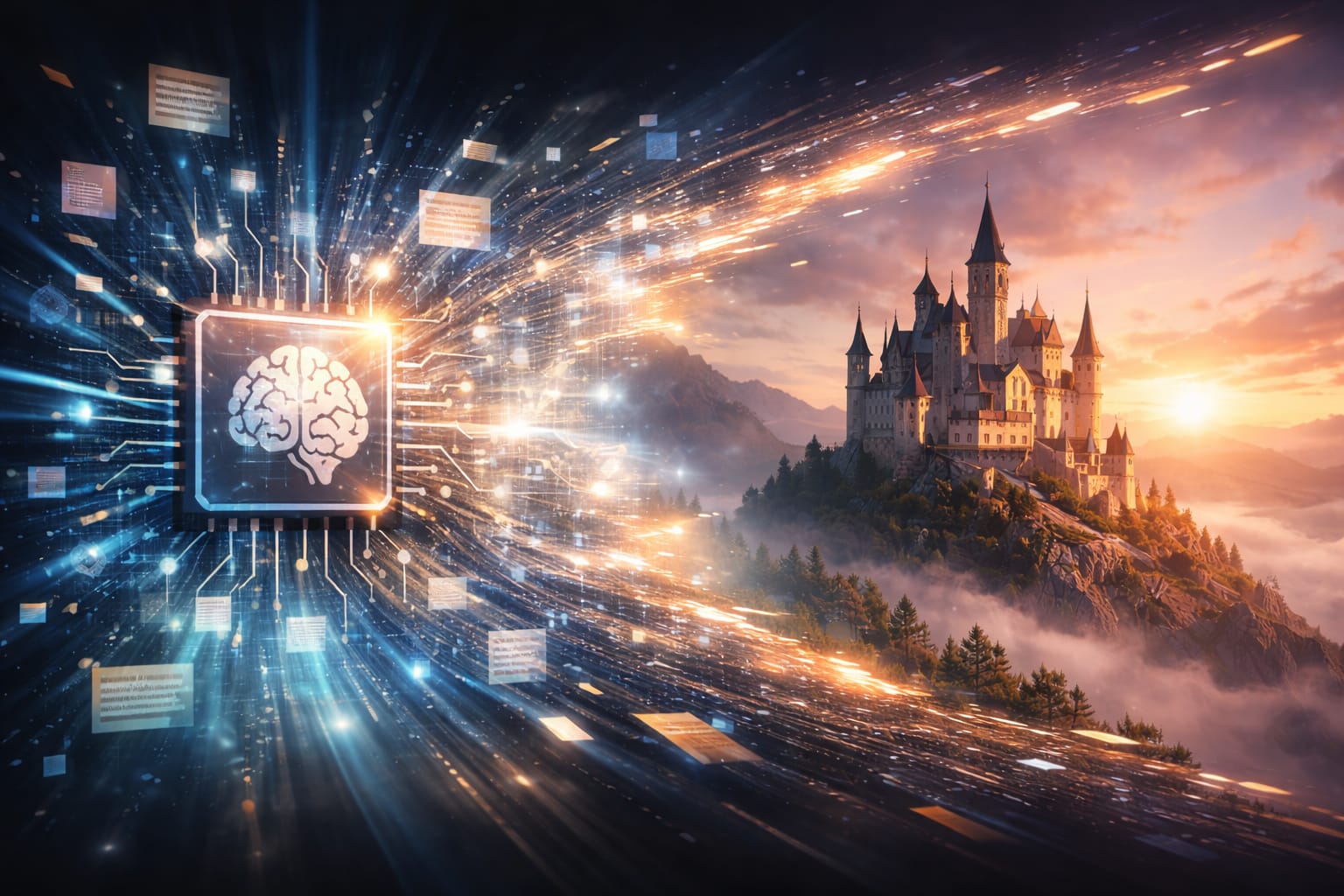
When you type a text description, the AI does not search for an existing image. Instead, it creates a new image by predicting what the pixels should look like based on learned patterns. The process usually follows these steps:
- The text is converted into a mathematical representation.
- The AI model interprets meaning, context, and relationships between words.
- The image starts as random visual noise.
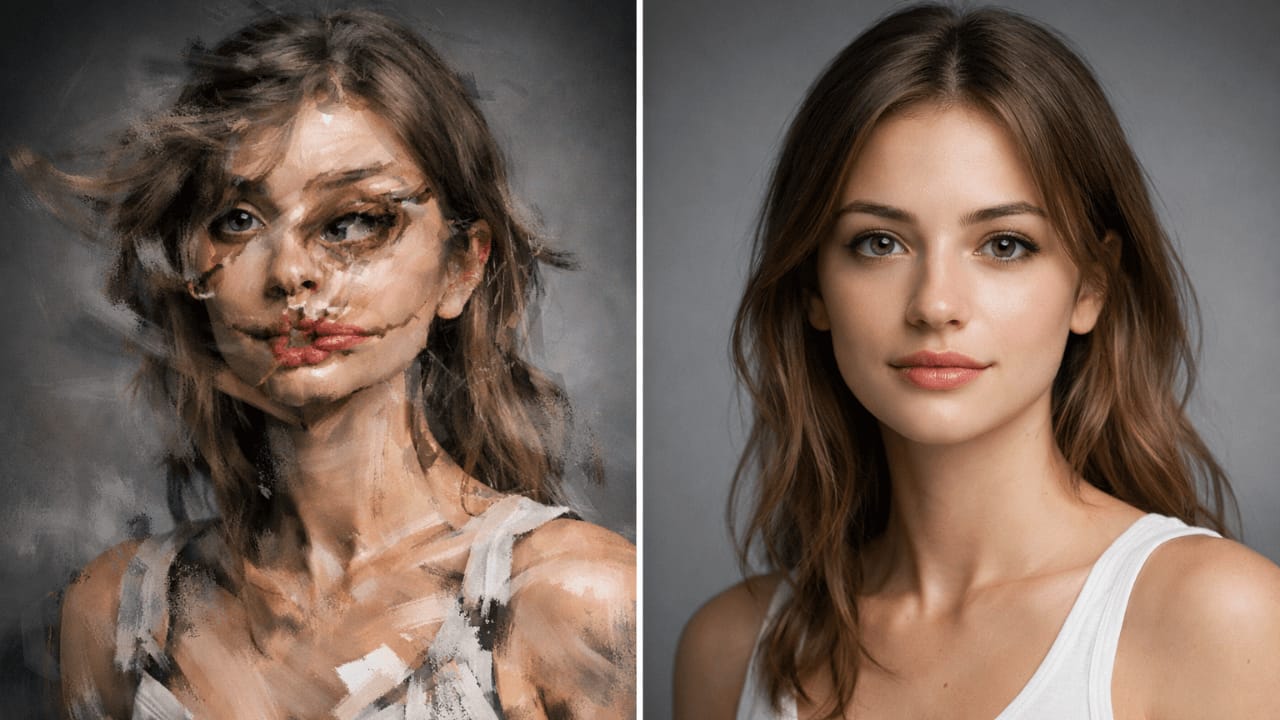
- The model gradually refines that noise into a recognizable image.
- The final output is produced after several refinement cycles.
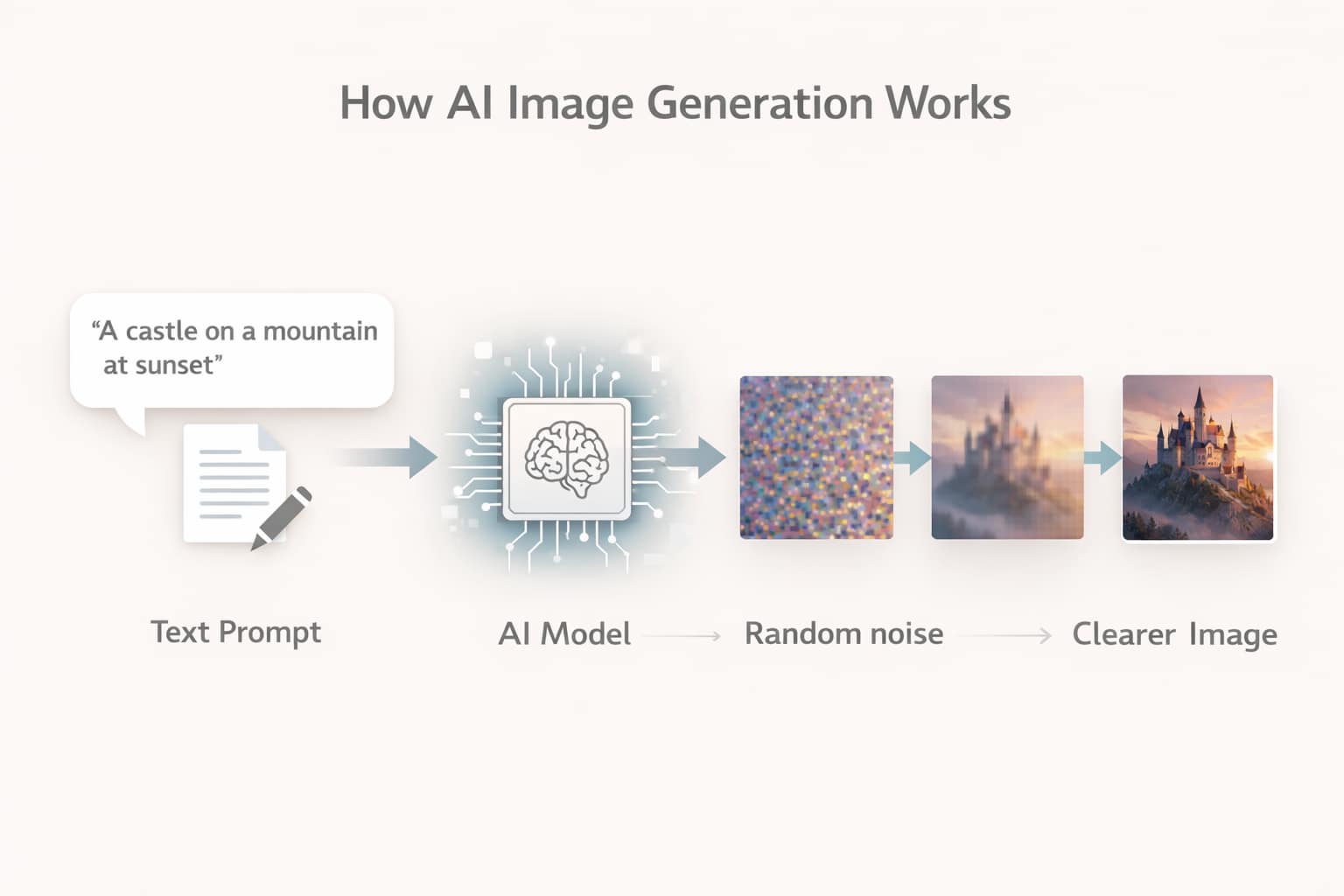
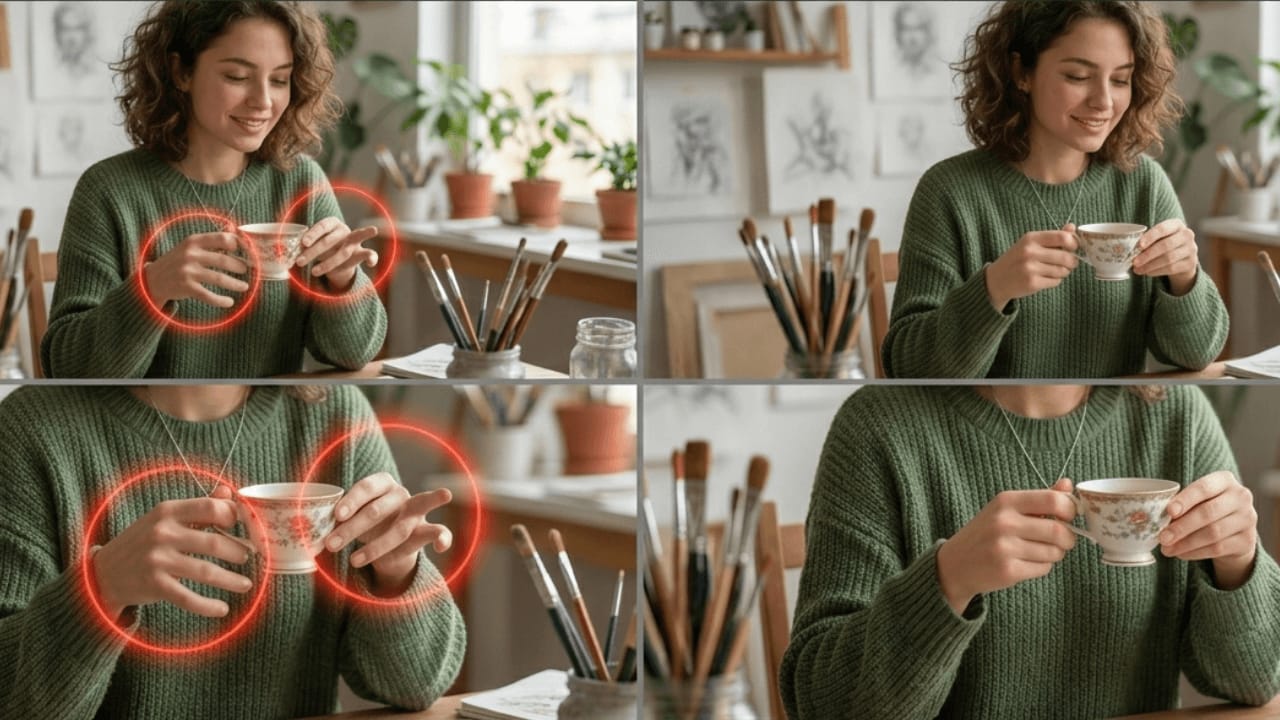
Watching this process visualized taught me why my vague prompts failed. The AI had too much freedom in step 2, so it made random choices. When I became more specific, I narrowed its options and got what I actually wanted.
This step-by-step transformation is why results can vary based on wording, clarity, and model behavior.
Practical Examples
To understand how AI image generation works in practice, imagine asking the AI for a portrait. A vague description may result in an average or unpredictable image. A clearer description gives the model more direction, helping it make better decisions about lighting, subject placement, and overall style.
For example, if you want a realistic portrait, the AI focuses on facial structure, skin texture, shadows, and depth. If you want an illustration, the system shifts toward stylized shapes and colors. You are not giving commands line by line. Instead, you are guiding the AI’s interpretation process.
I once tested this by generating the same subject with two different approaches. The first prompt was vague – “a man standing.” The result was generic and forgettable. The second prompt included lighting, environment, and mood – “a man standing on a rainy street at night, illuminated by neon signs.” The difference was night and day.
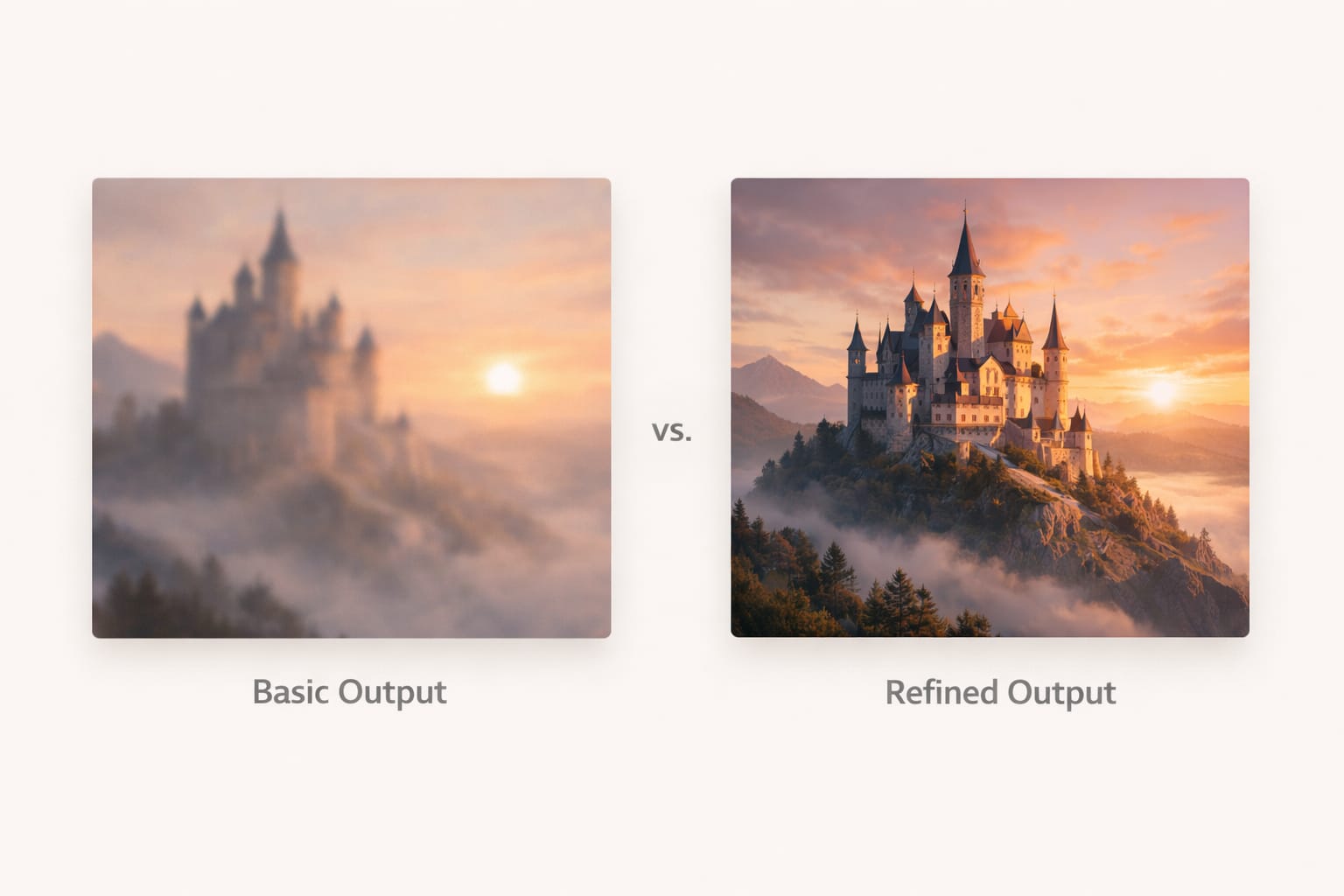
The key takeaway is that AI responds to intent and clarity, not just keywords.
Common Mistakes
Many users struggle with AI image generation because of avoidable mistakes. I made all of these myself, so you don’t have to.
Expecting perfect results on the first attempt
AI generation is iterative. Sometimes the first image is just the beginning.
Using overly complex or conflicting descriptions
Too many ideas confuse the model. Focus on one main concept.
Ignoring how AI interprets style versus realism
Different models handle this differently. Know your tool.
Assuming all tools work the same way
Midjourney, Leonardo, and Stable Diffusion each have unique strengths. My comparison guide [Midjourney vs Leonardo vs Stable Diffusion] explains these differences.
Treating AI like a search engine instead of a creative system
AI generates, it doesn’t retrieve. This mindset shift is crucial.
These issues often lead users to blame the tool, when the real problem is a lack of understanding of how the generation process works. Once I accepted that I needed to learn, not just use, everything improved.
Tips and Best Practices
If you want better results, focus on working with the AI rather than against it.
Start with simple, clear ideas. Let the model establish a strong base image before refining details.
Think in terms of visuals instead of sentences. Describe what you see, not what you feel.
Pay attention to how small wording changes affect output. This taught me more than any guide.
Be patient. AI image generation is an iterative process, not a one-click solution.
Learning how AI image generation works step by step will always give you better outcomes than relying on random experimentation. I keep a notebook of what works and what doesn’t – it’s been invaluable.
For more practical tips on improving your prompts, my guide on [How to Customize AI Prompts for Realism] walks through specific techniques that have worked for me.
Frequently Asked Questions (FAQ)
How AI image generation works step by step for beginners?
AI image generation works by converting text into a mathematical format, understanding the meaning through a trained model, starting from random visual noise, and gradually refining it into a complete image. The process happens in multiple stages, not all at once.Does AI copy images from the internet?
No. AI image generation models do not copy existing images. They generate new images by learning visual patterns from large datasets during training and recreating those patterns in a new way.Why do AI-generated images sometimes look unrealistic?
Unrealistic results usually happen due to unclear descriptions, conflicting visual ideas, or limitations of the selected AI model. Understanding how AI image generation works helps reduce these issues.Do different AI tools generate images differently?
Yes. Each AI image generation tool uses different models, training methods, and processing styles. That is why the same idea can produce different results across tools. My guide [Midjourney vs Leonardo vs Stable Diffusion] explains these differences in detail.Is learning how AI image generation works important before using prompts?
Yes. When you understand how AI image generation works step by step, you can guide the AI more effectively and get better results instead of relying on trial and error. I wish someone had told me this when I started.Can AI image generation improve with practice?
Absolutely. As users learn how the system interprets ideas, structure, and visual intent, results improve significantly over time. I’m still learning and improving every day.
Conclusion
AI image generation is not magic, but a structured process built on data, patterns, and prediction. When you understand how AI image generation works step by step, you stop guessing and start creating with intention.
This understanding transformed my work. What used to take hours of trial and error now takes minutes of intentional prompting. I hope this guide does the same for you.
This cluster article focused on explaining the internal process clearly, avoiding technical overload while giving practical clarity. Combined with the pillar guide, it helps readers move from confusion to confidence and lays a strong foundation for creating better, more realistic AI-generated images.
For a complete beginner-to-advanced overview, including tools, realism tips, and common pitfalls, read the main guide: AI Image Generation Guide: How It Works, Best Tools, Common Mistakes, and Realistic Results
Thank you for reading!