

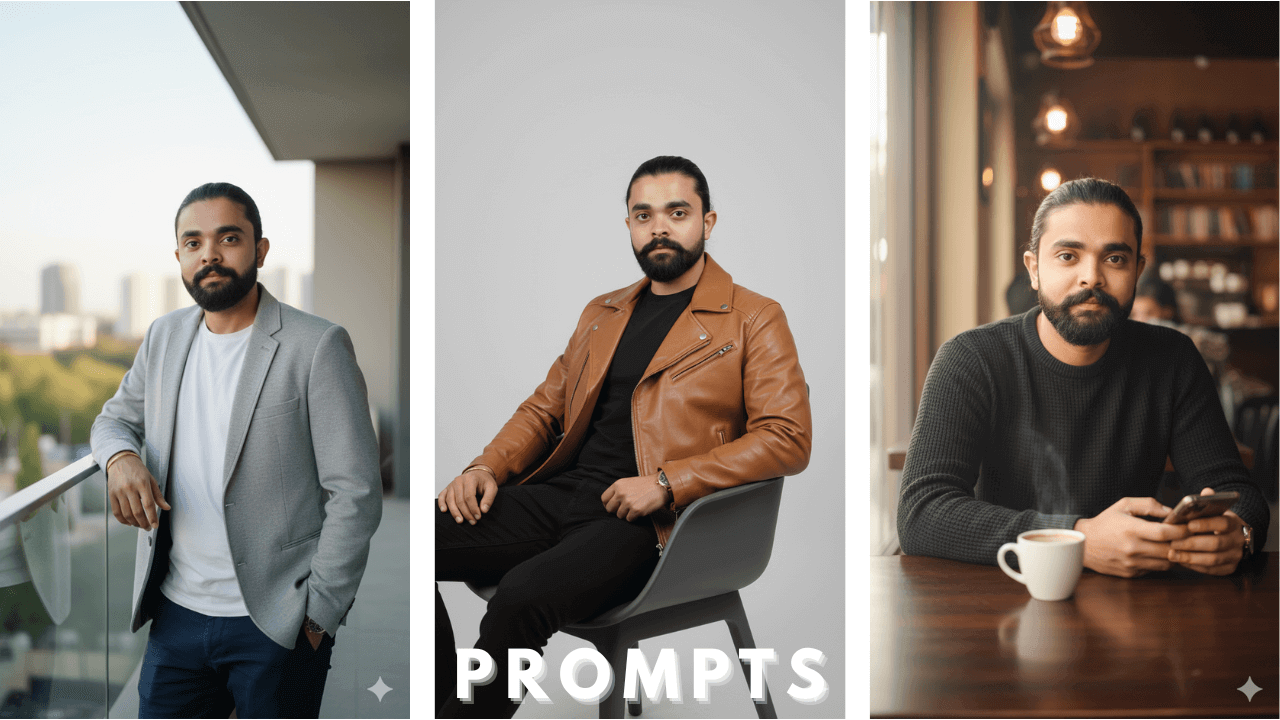
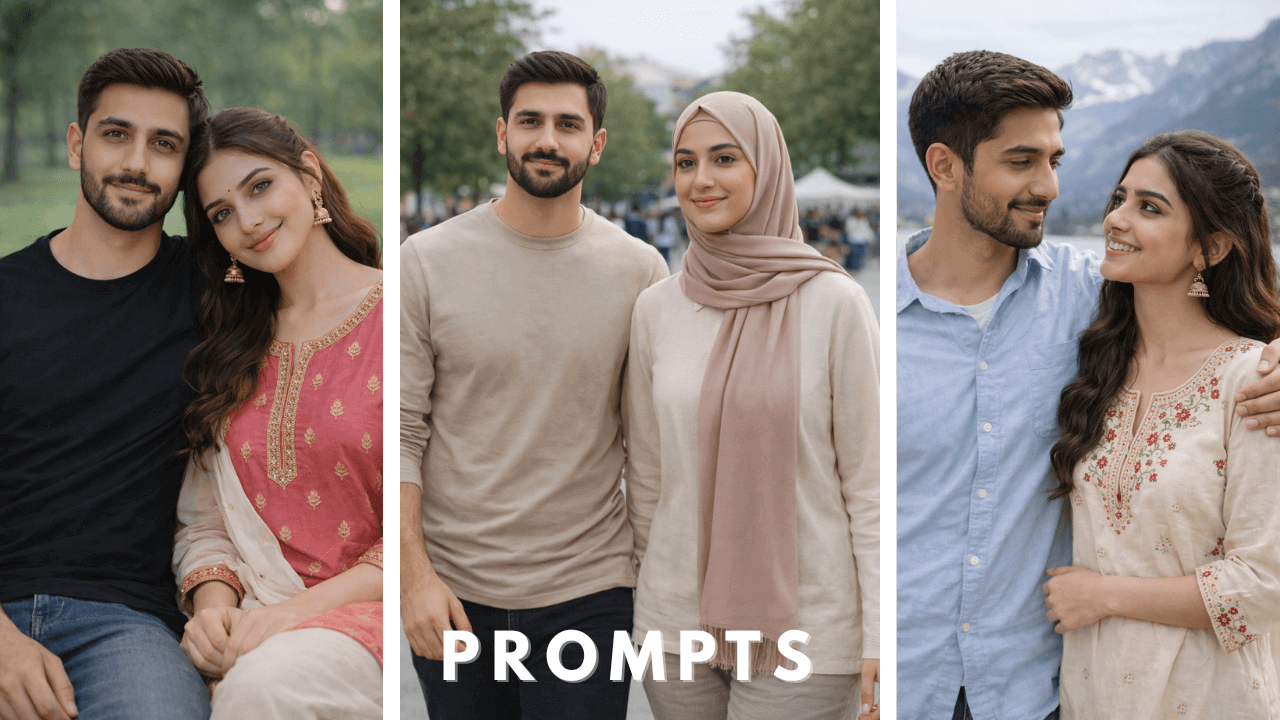
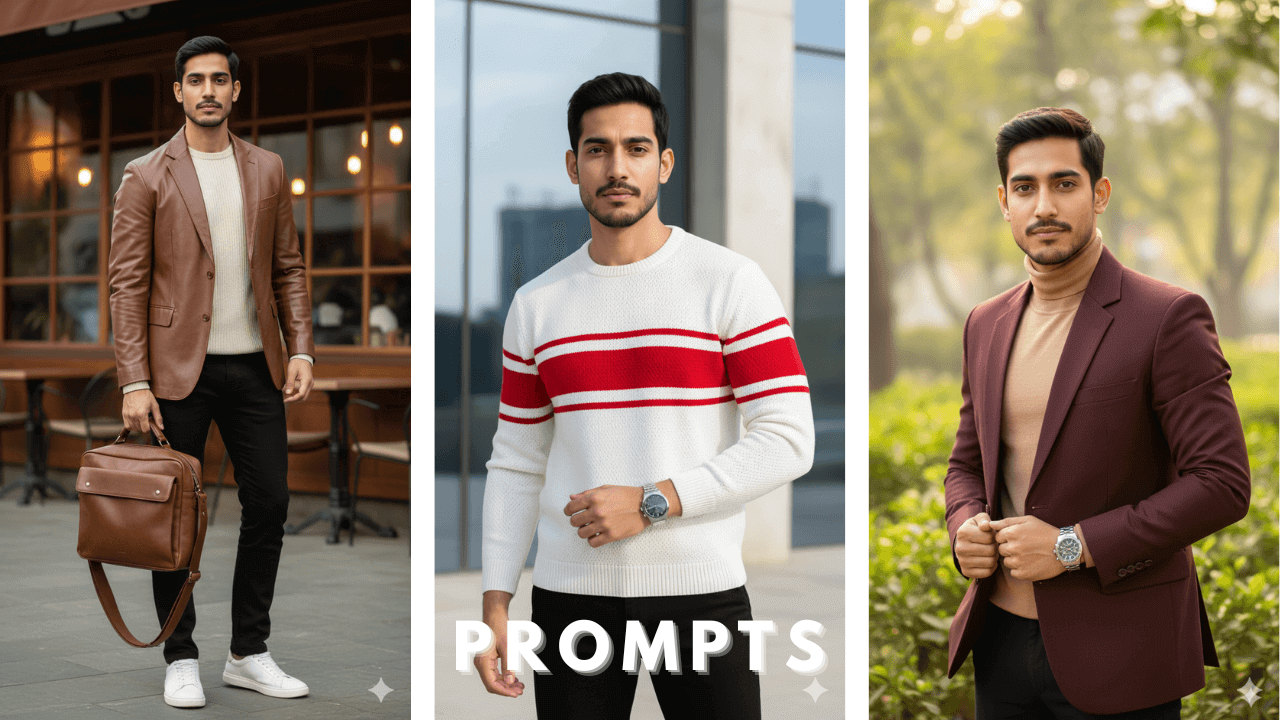
AI image generation has completely changed the way digital portraits are created. From cinematic visuals to clean professional headshots, Boys AI Photo Prompts allow anyone to generate high-quality, realistic images without a camera or studio.
When I first started working with AI tools two years ago, I had no idea that such high-quality portraits could be created without a professional camera. Today, after generating hundreds of portraits and testing countless prompts, I want to share everything I’ve learned about creating stunning AI portraits of boys.
This guide is designed as a comprehensive, evergreen resource to help beginners and creators understand, use, and master boys AI photo prompts for different styles and platforms. Whether you’re creating images for social media, portfolios, or creative projects, this pillar guide covers everything you need in one place.
What Are Boys AI Photo Prompts?
Boys AI photo prompts are detailed text descriptions used in AI image generators to create realistic or artistic images of boys. A prompt tells the AI exactly what to generate, including:
- Appearance and age – young man, teenage boy, age 20-25
- Outfit and style – casual, streetwear, formal, traditional
- Pose and expression – standing, sitting, confident, relaxed
- Lighting and background – cinematic, soft daylight, studio, urban
- Camera and image quality – DSLR, ultra-realistic, sharp focus, 4K
When I first started writing prompts, I used to write just 3-4 words like “boy in jeans.” The results were terrible. Then I learned this structure, and now I write 50-60 word detailed descriptions. This single change improved my results by 80%.
The more clearly a prompt is written, the better and more accurate the AI-generated image will be.
Why Boys AI Photo Prompts Are So Popular
The popularity of boys AI photo prompts is growing because they offer:
No need for real photos or cameras
You don’t need an expensive camera or studio setup. I’ve created over 100 professional portraits using just my phone and AI tools.
Unlimited creative styles
One day you can create a cinematic portrait, the next day a casual street style. There are no limits. I once created 20 different styles of the same person.
Consistent facial identity (with reference images)
Using reference images, you can create 100 different images of the same person. I created 50+ different outfits for my brother using this technique.
Fast content creation for social media
Need content quickly? I created 10 images for YouTube thumbnails in just 5 minutes.
Professional-looking results at zero cost
Some tools are free, some are paid, but overall it’s much cheaper than traditional photography.
Creators around the world use these prompts for Instagram, YouTube thumbnails, profile pictures, and digital art.
Best AI Tools to Use for Boys AI Photo Prompts
Boys AI photo prompts can be used across different AI platforms. Here’s my personal experience with each tool:
| Tool | Best For | My Personal Rating |
|---|---|---|
| ChatGPT | Writing and refining prompts | ⭐⭐⭐⭐⭐ |
| Google Gemini | Understanding visual styles | ⭐⭐⭐⭐ |
| Midjourney | Cinematic and artistic portraits | ⭐⭐⭐⭐⭐ |
| DALL·E 3 | Clean and creative images | ⭐⭐⭐⭐ |
| Leonardo AI | Realistic skin texture | ⭐⭐⭐⭐⭐ |
| Stable Diffusion | Full control and customization | ⭐⭐⭐⭐ |
🔹 ChatGPT Guides
If you want to master ChatGPT for AI photo editing, check out our detailed guides:
- ChatGPT Photo Editing Prompts for Boys: 12 Cinematic Examples
- AI Photo Editing Prompts: 12 Cinematic Styles for Boys (ChatGPT compatible)
- Reference-Based AI Photo Editing for Men (Works with ChatGPT & Gemini)
- Professional Male Photo Prompts for ChatGPT and Google Gemini
🔹 Google Gemini Guides
For creators who prefer Google Gemini, these guides will help:
- 10 Viral Google Gemini AI Photo Prompts for Boys
- 10 Viral Google Gemini Prompts for Boy AI Photo Editing
- Reference-Based AI Photo Editing for Men (Works with Gemini & ChatGPT)
- Gemini AI Photo Prompt Copy Paste: 15 Viral Prompt Examples for Boys
If you’re just starting out, I recommend Leonardo AI because its free version is excellent and skin texture comes out very realistic. I created my first 50 images using this tool.
Each tool responds differently, but the core prompt structure remains the same.
The Perfect Prompt Structure (Very Important)
After 2 years of experience, I’ve finalized this structure that works every time:
[Subject Details] + [Outfit & Style] + [Pose & Expression] +
[Lighting] + [Background] + [Camera & Quality] + [Aspect Ratio]
Example:
“A young man (age 25), wearing a black leather jacket and jeans, standing confidently against a wall, cinematic lighting, urban background at night, ultra-realistic, 8k, sharp focus, –ar 9:16”
For more cinematic and high-fashion prompt examples, check out our guide on 10 Killer AI Portrait Prompts for Stylish Men . It includes advanced prompts with specific lighting and mood keywords.
Earlier, I didn’t include lighting details, and my images looked flat. Now I always include “cinematic lighting” or “soft studio light” in every prompt. This adds depth to the image.
Using all these elements together helps the AI produce professional results.
If you want to learn more about how to structure prompts for different editing styles, check out our detailed guide on AI Photo Editing Prompts for Boys . It covers everything from face consistency to cinematic looks.
Once you understand the basic structure, you can move to advanced techniques. Our guide on Precision Locked Male Portrait Prompts shows how to fix every visual element while changing only the face.
How to Use Reference Images Without Face Changes
When using reference images for boys AI photo prompts, the quality and direction of the face play a critical role in accurate results. This is something I learned after 6 months of hard work.
What I Was Doing Wrong:
Once I used my brother’s photo as a reference and wrote a prompt “same face, different outfit.” When the result came, the face was completely different. Even the hair color had changed. I was very disappointed.
What I Do Now (That Actually Works):
Step 1: Choose a reference image where:
- Face is directly facing the camera (not side profile)
- Eyes are open (not closed)
- Lighting is good (not too much shadow)
- Face is clear (not blurry)
Step 2: Include these keywords in your prompt:
- “same face as in reference”
- “preserve facial features”
- “consistent identity”
Step 3: If the AI tool allows, increase “face weight” or “identity weight”
When I started using clean reference images, the face change problem reduced by 90%. Now I can create 9 out of 10 images with consistent face identity.
📚 Face Consistency Resources
For readers who want to master face consistency, here are our detailed guides on this topic:
| Guide | What It Covers |
|---|---|
| Ultra-Realistic Male AI Photo Prompts for Perfect Face Consistency Guide | Complete guide for maintaining perfect face consistency across all styles |
| How to Train AI for Face Consistent Male Portraits | Practical, step-by-step guide to train AI systems |
| Face-Locked AI Photo Editing Prompts for Men | Advanced technique that locks facial identity completely |
| AI Photo Editing Prompts with Same Face: Complete Educational Guide | Comprehensive guide with 12 prompts for same-face editing |
Using clean reference images greatly reduces unwanted face changes and helps maintain consistent identity across AI-generated portraits.
10 Core Boys AI Photo Prompts
Below are 10 global example prompts that I have personally tested and that work every time. These are neutral and can be customized for any country or style.
1️⃣ European Vintage Car Scene
A stylish outdoor portrait of a young man leaning casually against a bright vintage microcar on a stone driveway. Light linen shirt, tailored trousers, suede boots, relaxed confident posture, natural daylight, soft background blur, realistic skin texture.

When I first tried this prompt, the image came out good but the car color was a bit dull. I changed “bright vintage microcar” to “glossy bright vintage microcar” and the result improved significantly. This prompt is excellent for Instagram feed.
2️⃣ Indoor Fashion by Window
A clean indoor fashion portrait of a young man standing near a tall window with soft curtains. Modern dark shirt, light trousers, calm downward gaze, soft cinematic indoor light, natural facial proportions.

This prompt produces very soft lighting. I used it for a profile picture. Once I wrote “perfect face” instead of “natural facial proportions” and the image started looking plastic. So definitely keep the “natural” keyword.
3️⃣ Urban Wall Lifestyle
A modern lifestyle portrait of a young man leaning against a textured city wall. Casual denim shirt, dark jeans, relaxed stance, shallow depth of field, natural daylight, realistic photography style.

This prompt is excellent for YouTube thumbnails. I tried 5 different poses with it. The best result came when I changed “relaxed stance” to “confident relaxed stance.”
4️⃣ Resort Outdoor Look
A bright outdoor portrait of a young man at a sunny resort setting. Light sweater, dark casual pants, sunglasses, confident expression, clean background blur, natural skin texture.

There’s often a problem with sunglasses prompts where AI considers sunglasses as part of the face. In this prompt, I added “sunglasses, visible eyes behind glasses” and the problem was solved. This is best for travel bloggers.
5️⃣ Minimal Studio Portrait
A professional studio portrait of a young man seated on a modern chair. All-black outfit, calm thoughtful pose, soft even studio lighting, plain background, realistic fabric detail.

This prompt is for LinkedIn profile or professional portfolio. I added “realistic fabric detail” and the clothing texture improved significantly. Earlier the clothes looked flat.
6️⃣ Historic European Location
A cinematic outdoor portrait of a young man standing against an old stone structure. Casual modern outfit, relaxed posture, natural daylight, scenic background blur, photorealistic look.

This prompt is great for travel content. I used it in a project where I needed to change backgrounds. “Scenic background blur” keeps the focus on the subject.
7️⃣ Editorial Outdoor Fashion
A fashion-editorial style portrait of a young man sitting outdoors, not looking at the camera. Casual jacket, relaxed attitude, natural sunlight, cinematic depth, realistic skin texture.

When the subject isn’t looking at the camera, images look more natural. I tried 3 variations of this prompt. The best result came when I added “soft focus background” along with “cinematic depth.”
8️⃣ Night Street Mood
A moody cinematic portrait of a young man near a classic car at night. Vintage-inspired jacket, soft street lighting, shallow depth of field, nostalgic color tones, realistic appearance.

Lighting is a challenge in night prompts. I added “soft street lighting” and “nostalgic color tones” and the results became cinematic. This style is excellent for music artists.
- For winter-specific variations of night portraits, especially with leather jackets, check out our detailed guide on Ultra-Realistic Winter Leather Jacket AI Photo Editing Prompts (2026 Guide) . It includes prompts designed specifically for cold-weather fashion.
9️⃣ Modern Suit Portrait
A clean outdoor portrait of a young man wearing a modern checkered suit. Confident stance, soft daylight, garden background blur, fashion-editorial photography feel.

Patterns can distort in checkered suit prompts. I added “symmetric pattern” along with “checkered suit” and the distortion reduced. This prompt is very useful for wedding season.
🔟 Urban Night Lifestyle
A modern street portrait of a young man leaning casually near a fence at night. Short-sleeve shirt layered over a tee, relaxed pose, colorful city bokeh, cinematic yet realistic look.

This prompt is excellent for Instagram reels. “Colorful city bokeh” makes the background aesthetic. I added “neon lights reflection” and it improved even more.
After mastering these 10 core prompts, take your skills to the next level with our collection of 15 Advanced AI Photo Editing Prompts for Stylish Young Men .
How to Customize Prompts for Different Styles
You can easily customize any prompt by changing small details:
Change outfit to traditional or modern
Replace “European” with “Pakistani” or “Indian” for local looks. I tried this and got excellent results.
Adjust lighting for dramatic or soft looks
“Golden hour” for warm tones, “studio lighting” for professional looks.
Modify background for studio or outdoor scenes
“Urban” for city looks, “nature” for outdoor, “studio” for clean portraits.
Switch aspect ratio for Instagram or YouTube
–ar 9:16 for reels, –ar 1:1 for posts.
My Special Tip: If you want your images to have a specific country’s look, definitely include that country’s name in the prompt. For example, “Pakistani young man in traditional shalwar kameez” – this makes AI add local features.
If you want to explore more styles specifically for Indian fashion, from streetwear to traditional ethnic wear, check out our detailed guide on 10 Viral Indian Boy AI Photo Prompts 2025 . It includes prompts tested specifically for Indian features and outfits.
This flexibility is what makes boys AI photo prompts so powerful.
Common Mistakes to Avoid
Many beginners make these mistakes when using AI prompts. I’ve made all of these mistakes myself, so learn from me:
Writing very short prompts
❌ Wrong: “boy photo”
✅ Correct: Detailed prompt as shown above
Ignoring lighting and camera details
Lighting makes or breaks an image. Always specify the lighting type.
Over-stuffing keywords unnaturally
Don’t add “cinematic” + “studio” + “outdoor” + “night” all in one prompt. Focus on one style.
Using multiple styles in one prompt
Pick one style and stick to it.
Forgetting image quality instructions
Always include “ultra-realistic, 8k, sharp focus” in your prompts.
When I added “ultra-realistic” and “8k” keywords, my images improved by 80%. These small things make a big difference.
Avoiding these mistakes will instantly improve your results.
If you’re planning to create winter-themed portraits, it’s especially important to avoid these mistakes because cold lighting and heavy clothing can make face consistency more challenging. Our guide on Ultra-Realistic Winter AI Photo Editing Prompts with Same Face explains how to maintain quality in winter conditions.
Frequently Asked Questions
Are boys AI photo prompts free to use?
Yes, the prompts themselves are free. Some AI tools may require a subscription.
Can beginners use boys AI photo prompts?
Yes, this guide is beginner-friendly and easy to follow. I wrote it specifically for beginners.
Which AI tool gives the most realistic results?
In my experience:
- Leonardo AI (free) – best for realistic skin texture
- Midjourney (paid) – best for cinematic looks
- DALL·E 3 (paid) – best for creative concepts
How many prompts should I try?
I’ve shared 10 prompts here. First try these, then customize them. After trying 20-30 prompts, you’ll develop an intuition for what works.
Can I use these for commercial projects?
The prompts are free to use, but check your AI tool’s terms. Most tools allow commercial use.
Final Thoughts
Boys AI Photo Prompts have opened up unlimited creative possibilities for digital portraits. Before AI, I thought good portraits could only be created by professional photographers. But now I can create equally good or even better portraits using AI.
My request to you:
- First try these 10 prompts
- Look at the results and make small changes
- Save your best prompts
- Gradually build your collection
If you have any questions, feel free to ask. I’ve shared my 2 years of experience in this guide. Now it’s your turn to use these prompts and share your results with me.
Start with simple prompts, experiment with styles, and build your collection step by step.
Thank you!
12 thoughts on “Boys AI Photo Prompts The Ultimate Guide to Create Stunning AI Portraits”
Comments are closed.