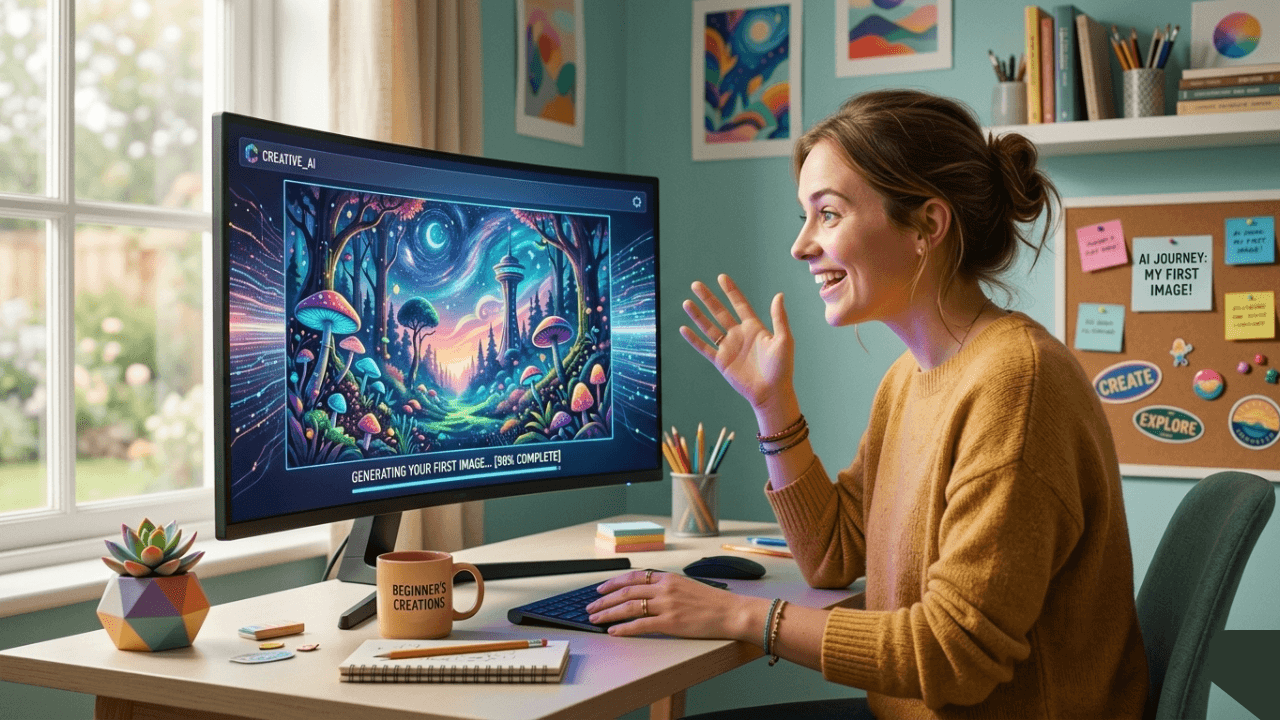
I remember my first AI image generation vividly. I typed “a beautiful landscape,” clicked generate, and watched in amazement as an image appeared from nowhere. It wasn’t perfect – the colors were weird and the composition was odd – but I was hooked.
That was two years ago. Since then, I’ve generated thousands of images, tested dozens of tools, and made every mistake possible. Now I want to share everything I wish someone had told me when I started.
This guide is for absolute beginners. No prior knowledge needed. Just curiosity and a desire to create.
What Is AI Image Generation?
AI image generation is technology that creates images from text descriptions. You type what you want, and the AI generates it.
Think of it like having an artist who:
- Never gets tired
- Works in seconds
- Can create any style
- Never judges your ideas
That first generation felt like magic. Now I understand it’s technology – but it still feels magical.
Getting Started: What You Need
You Already Have Everything You Need:
- A computer or phone – any modern device works
- Internet connection – for most tools
- Curiosity – the most important ingredient
- Patience – results improve with practice
No Experience Required:
- No design skills needed
- No technical knowledge required
- No expensive equipment necessary
Step 1: Choose Your First Tool
For beginners, I recommend starting with one of these:
Leonardo AI (Best for Beginners)
- Free tier available
- User-friendly interface
- Good for realistic images
- Built-in prompt help
Midjourney
- Excellent for artistic images
- Works through Discord
- Strong community
- Paid but worth it
Bing Image Creator
- Completely free
- Uses DALL-E technology
- Good for experimentation
- Limited features
I started with Leonardo AI. The free tier let me experiment without pressure, and the interface was intuitive enough that I wasn’t overwhelmed.
For detailed comparisons, our guide on [Midjourney vs Leonardo vs Stable Diffusion] helps you choose.
Step 2: Write Your First Prompt
The Simple Formula
text
[Subject] + [Details] + [Style]
Examples
Subject only:
“a cat”
Subject + Details:
“a cat sitting on a windowsill”
Subject + Details + Style:
“a cat sitting on a windowsill, realistic style, soft lighting”
Try It Yourself
Start with something simple:
“a beautiful sunset over mountains”
Don’t worry about perfection. The goal is to see what happens.
Step 3: Understand What Happens
When you click generate:
- The AI reads your words – converts them to numbers it understands
- It starts with random noise – like TV static
- It gradually refines – step by step, removing noise and adding details
- It creates your image – in seconds
Watching this process taught me more than any guide. Generate something, watch it appear, and you’ll start understanding intuitively.
For a complete explanation, our guide on [How AI Image Generation Works Step by Step] has all the details.
Step 4: Learn from Your Results
What to Look For
| Result | What It Means |
|---|---|
| Too random | Prompt too vague |
| Wrong style | Add style keywords |
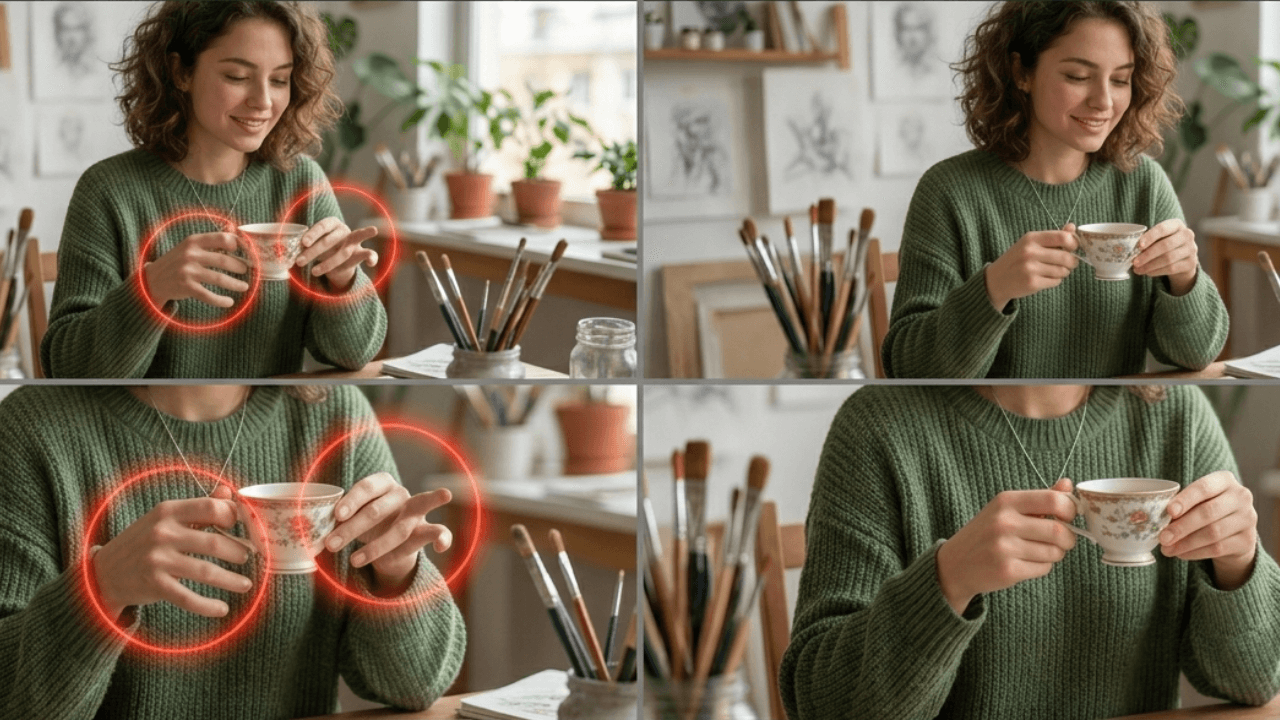
| Bad anatomy | Add negative prompts |
| Too dark/light | Adjust lighting |
| Almost perfect | Small tweaks needed |
Iteration is Key
The first generation is rarely perfect. Professionals generate multiple versions and refine gradually.
Common Beginner Questions
“My images don’t look like the examples I see online.”
That’s normal! Those examples come from:
- Experience
- Multiple attempts
- Prompt refinement
- Sometimes post-editing
Keep practicing. You’ll get there.
“Which tool is best?”
The best tool is the one you’ll actually use. Try free options first, then explore paid tools when you’re ready.
“Do I need to learn complicated prompts?”
No. Start simple. Add details as you learn. The most important thing is creating.
“How long until I get good results?”
You’ll get decent results immediately. Great results come with practice – weeks or months, depending on how much you create.
Beginner’s Toolkit
Essential Concepts to Learn
| Concept | Why It Matters | Where to Learn |
|---|---|---|
| Lighting | Makes images look real | [Lighting Styles Guide] |
| Camera terms | Adds photography feel | [Camera Terms Guide] |
| Negative prompts | Fixes common problems | [Negative Prompts Guide] |
| Aspect ratio | Fits your platform | [Aspect Ratio Guide] |
| Seeds | Creates consistency | [Seed Guide] |
Recommended Learning Path
- Week 1: Generate daily, experiment freely
- Week 2: Learn one new concept (start with lighting)
- Week 3: Practice with different styles
- Week 4: Start building a portfolio
- Beyond: Explore advanced techniques
Beginner Mistakes to Avoid
Mistake 1: Expecting Perfection Immediately
❌ “Why isn’t my first image amazing?”
✅ “What can I learn from this first attempt?”
Mistake 2: Copying Prompts Without Understanding
❌ Using prompts without knowing why they work
✅ Learning what each part does
Mistake 3: Giving Up Too Soon
❌ One bad image → stop trying
✅ Many attempts → eventual success
Mistake 4: Ignoring Basics
❌ Jumping to advanced techniques
✅ Mastering fundamentals first
Mistake 5: Not Experimenting
❌ Using same approach every time
✅ Trying new things, failing, learning
For more, our guide on [Common Beginner Mistakes in AI Image Generation] has detailed explanations.
Your First Week Plan
Day 1: Generate 10 Images
- Use simple prompts
- Note what works
- Save favorites
Day 2: Try Different Subjects
- Portraits
- Landscapes
- Objects
- Abstract
Day 3: Experiment with Style
- Realistic
- Artistic
- Cartoon
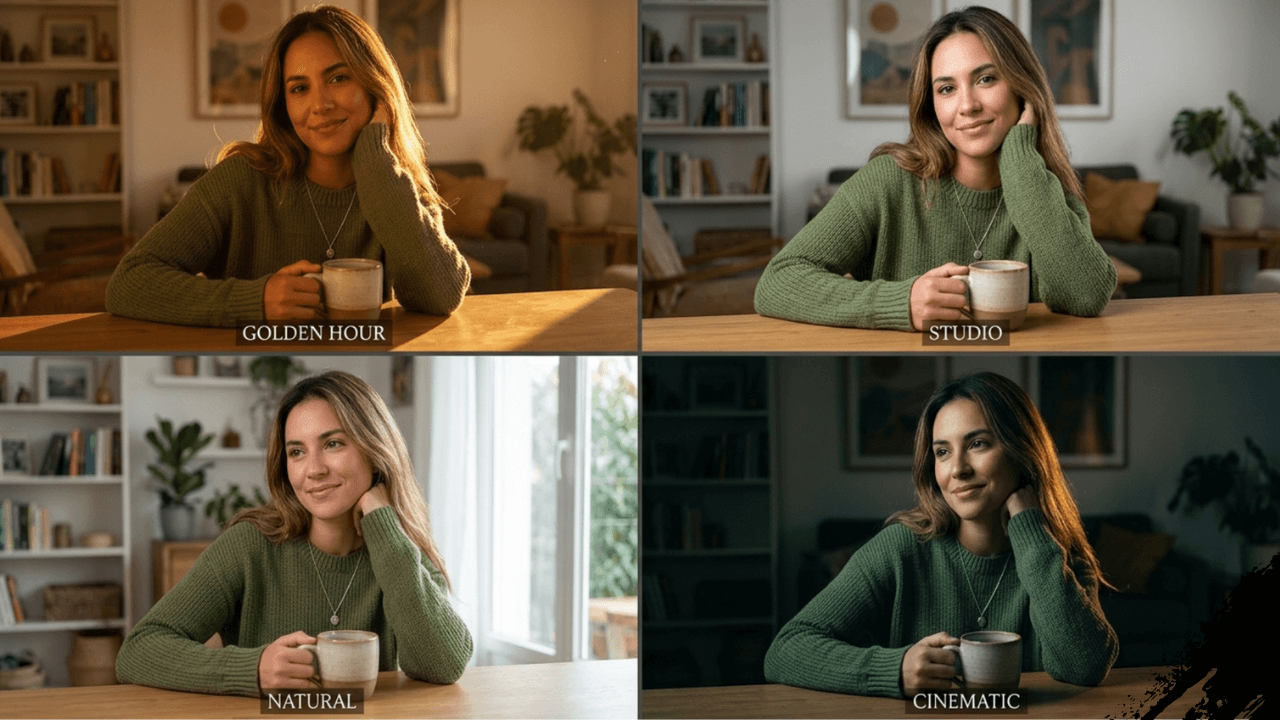
- Cinematic
Day 4: Add Details
- Lighting
- Environment
- Mood
- Composition
Day 5: Learn One New Concept
- Pick from the toolkit above
- Practice with it
- Note differences
Day 6: Create a Series
- Same subject, different styles
- Same style, different subjects
- Document your learning
Day 7: Review and Plan
- What worked?
- What didn’t?
- What to learn next?
Frequently Asked Questions
Is AI image generation expensive?
Start with free tools. Upgrade only when you’re ready.Do I need a powerful computer?
No. Most tools work in the cloud. Any device with internet works.Can I use AI images commercially?
Check your tool’s terms. Many allow commercial use, but some have restrictions.Will AI replace human creativity?
No. AI is a tool, like a camera or paintbrush. Human creativity remains essential.How do I improve faster?
Create daily. Learn one new thing each week. Share your work and get feedback.
Conclusion
That first image – “a beautiful landscape” – started me on an incredible journey. Two years later, I’m still learning, still experimenting, still amazed by what’s possible.
If you’re reading this guide, you’re where I was two years ago. Excited, curious, maybe a little overwhelmed. Trust me – the journey is worth it.
For a complete understanding of AI image generation, including prompts, models, and workflows, check out our comprehensive AI Image Generation Guide .
Welcome to the community. Happy creating!