Introduction
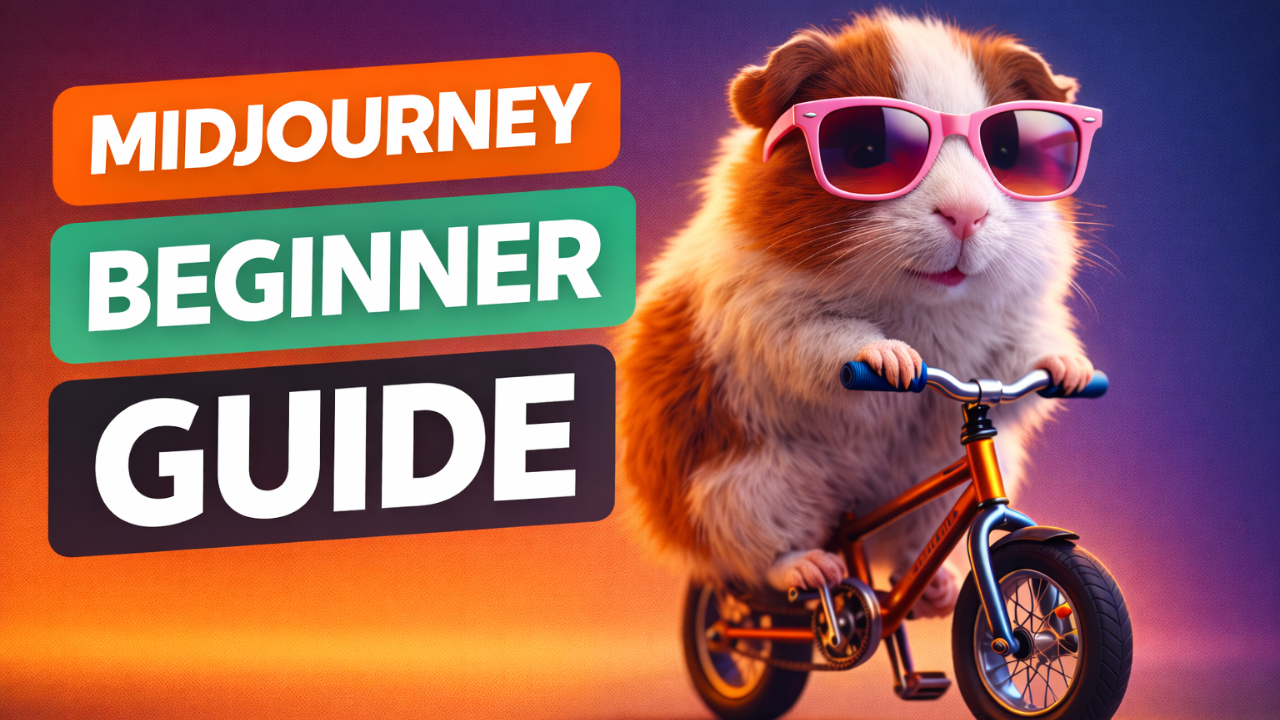
Midjourney is one of the most popular AI image generation tools, known for producing visually striking and artistic images from simple text descriptions. It is widely used by designers, content creators, and beginners who want high-quality AI visuals without dealing with complex technical setups.
When I first tried Midjourney, I was blown away by the artistic quality. The images looked like they came from a professional designer. But I quickly learned that getting consistent results required understanding how Midjourney thinks differently from other tools.
I have spent years working hands-on with AI image generation tools across real-world use cases. This article shares practical understanding of how Midjourney actually works so readers can use it with clarity instead of trial and error.
For a complete foundation in AI image generation, including how Midjourney compares to other tools, check out our comprehensive AI Image Generation Guide .
Core Concept: What Makes Midjourney Different
Midjourney is a text-to-image AI system that turns written descriptions into images. Unlike some tools that focus on technical realism first, Midjourney prioritizes composition, mood, lighting, and artistic style.
Key ideas to understand:
- Midjourney does not “understand” words like a human
- It associates words with visual patterns learned during training
- The tool is optimized for creative interpretation, not strict accuracy
This is why the same prompt can give different results each time. Midjourney aims to explore variations, not lock into one fixed output. Once I accepted this, I stopped fighting the tool and started collaborating with it.
How Midjourney Interprets Prompts
Midjourney reads a prompt as a set of visual hints, not as instructions it must follow exactly.
It focuses mainly on:
- Main subject
- Style and mood words
- Visual references like lighting, environment, or era
Short, clear prompts usually perform better than long, overloaded ones. Adding too many ideas at once often confuses the model and weakens the result.
Think of prompts as guidance, not commands. For more on prompt strategy, our guide on [How to Customize AI Prompts for Realism] provides practical techniques.
Practical Examples Conceptual
Instead of sharing long prompt lists, here is how thinking should change:
If you describe a subject clearly, Midjourney handles composition well on its own. When you add emotional or visual context like “cinematic lighting” or “soft shadows,” results improve naturally. When prompts mix too many styles, the output becomes inconsistent.
The goal is not to write more, but to write better-focused descriptions. I’ve had better results with 15 well-chosen words than with 50 random ones.
To understand how Midjourney compares to other tools, our guide [Midjourney vs Leonardo vs Stable Diffusion] provides a detailed comparison.
Common Mistakes Beginners Make
- Prompt overload – Adding too many adjectives, styles, and concepts in one prompt
- Unrealistic expectations – Expecting perfect realism without understanding AI limitations
- Fighting the tool – Trying to force Midjourney to behave like other AI image generators
- Ignoring variation results – Some of the best images come from exploring variations instead of regenerating from scratch
Our guide on [Common Beginner Mistakes in AI Image Generation] covers these issues in depth.
Midjourney Output Control – What You Can and Can’t Control
One of the biggest misunderstandings about Midjourney is the idea that users can fully control the final image through prompts alone. In reality, control is partial, not absolute.
What you can influence:
- Main subject and general concept
- Overall mood and artistic direction
- Lighting style and atmosphere
- Broad visual themes
What you cannot fully control:
- Exact facial features
- Precise object positioning
- Consistent results across generations
- Small technical details
Midjourney is designed to interpret prompts creatively, not mechanically. Accepting this balance between guidance and randomness allows users to work with the system instead of against it. This mindset shift often leads to more consistent and satisfying outcomes.
Tips and Best Practices for Better Midjourney Results
- Start simple, then refine
- Focus on one main idea per prompt
- Use style references carefully
- Pay attention to lighting and mood
- Let the model interpret instead of over-controlling
Midjourney rewards clarity and creative direction more than technical complexity.
When to Use Midjourney (And When Not To)
Midjourney is best used when the goal is creative impact rather than technical precision. It shines in areas where mood, style, and visual storytelling matter more than exact control.
Midjourney works especially well for:
- Concept art and visual ideation
- Artistic illustrations and stylized portraits
- Social media visuals and creative branding
- Exploring visual ideas quickly without setup complexity
However, Midjourney may not be the best choice when:
- Exact realism is required (try [Leonardo AI for Realistic Images] instead)
- Strict control over object placement is needed
- Commercial workflows demand repeatable, identical results
- Fine-grained editing and post-processing are essential
Understanding when to use Midjourney helps avoid frustration. Instead of forcing it into roles it is not designed for, users get better results by aligning expectations with what the tool naturally does well.
Frequently Asked Questions (FAQ)
Is Midjourney good for realistic images?
Yes, but it excels more at stylized realism than strict photographic accuracy. For pure realism, [Leonardo AI for Realistic Images] might be better.
Do longer prompts give better results?
No. Clear and focused prompts usually perform better than long ones.
Can beginners use Midjourney easily?
Yes. That is one of its biggest strengths compared to more technical tools like [Stable Diffusion Explained for Beginners] .
Why do results change every time?
Midjourney intentionally introduces variation to explore creative possibilities.
Is Midjourney better than other AI image tools?
It depends on the goal. Midjourney is excellent for creative visuals, while other tools may suit technical or controlled workflows better. Our comparison guide [Midjourney vs Leonardo vs Stable Diffusion] helps you decide.
Conclusion
Midjourney is not about writing perfect prompts or chasing exact results. It is about understanding how the model interprets ideas visually and learning to guide it with clarity and intent.
My Experience: Once users stop fighting the system and start collaborating with it, the results become far more consistent and satisfying.
For a deeper understanding of how AI image generation works across tools and models, this article connects back to the main AI Image Generation Guide , where the full process is explained in detail.