Introduction
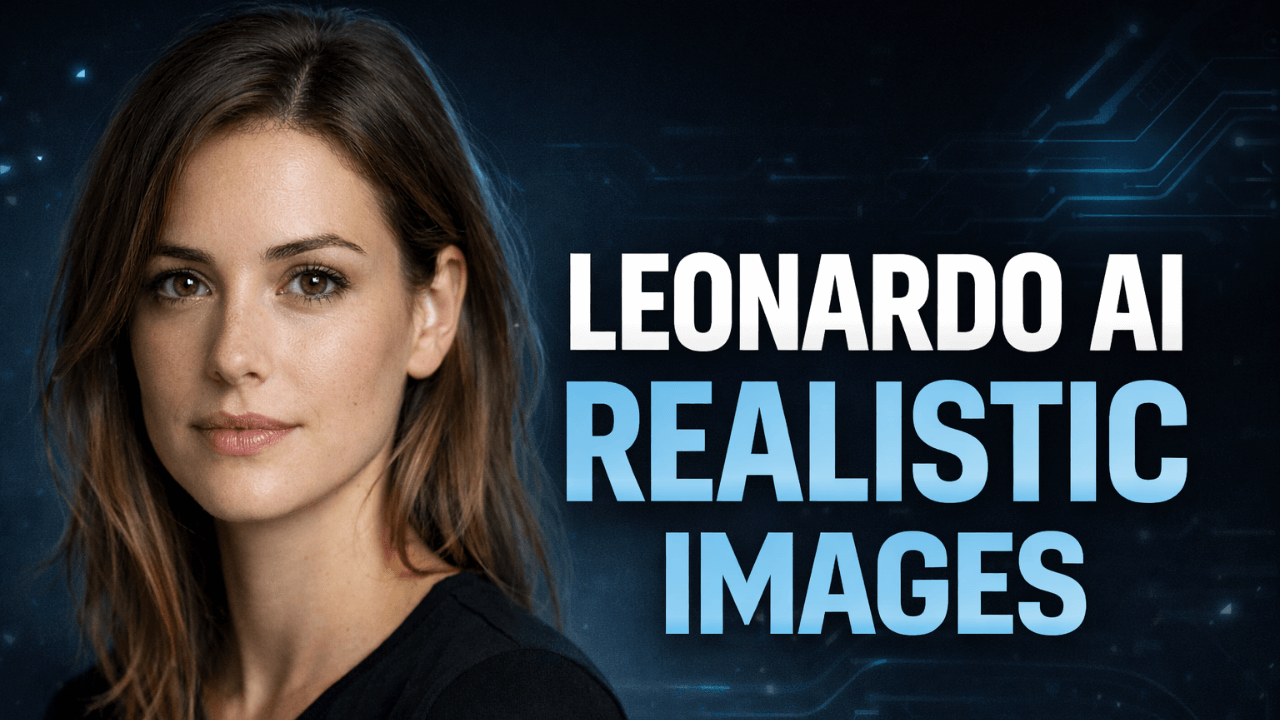
Realistic AI images are no longer limited to experts or complex workflows. Tools like Leonardo AI have made high-quality image generation more accessible, especially for users who want control without overwhelming technical settings.
When I first discovered Leonardo AI, I was looking for a tool that could produce photorealistic images consistently. Midjourney was too artistic for my needs, and Stable Diffusion required too much technical setup. Leonardo hit the sweet spot – powerful but usable.
My name is Abuzar, and I have been working with AI image generation for several years. I have tested different tools, models, and workflows across real-world use cases, from beginners experimenting with AI visuals to professionals using them for content, design, and branding.
This article is based on hands-on experience, not theory. My goal is to help readers understand how Leonardo AI actually works for realistic image generation so they can get consistent and believable results instead of relying on trial and error.
Core Concept: How Leonardo AI Generates Realistic Images
Leonardo AI works by translating text descriptions into visual patterns using trained image models. These models are optimized to recognize photographic elements such as lighting direction, texture, depth, and proportions.
What makes Leonardo AI strong for realism is not magic or secret settings. It is the balance between:
- Clear subject definition
- Real-world visual logic
- Controlled creativity
Leonardo models respond best when prompts describe what the image should look like, not what the user wants emotionally. Realism depends on visual clarity, not storytelling language.
Practical Examples of Using Leonardo AI
Instead of long or complex prompts, Leonardo AI performs better with structured intent.
For example, when generating a realistic portrait, successful users focus on:
- Subject appearance
- Lighting condition
- Camera perspective
- Environment simplicity
When generating product or environment images, realism improves when:
- Materials are clearly defined
- Lighting is consistent
- Backgrounds are not overloaded
The key idea is to guide Leonardo AI visually, not creatively overload it. I keep a checklist of visual elements before writing any prompt.
For more on prompt strategy, our guide on [How to Customize AI Prompts for Realism] provides practical techniques that work especially well with Leonardo.

Common Mistakes When Using Leonardo AI for Realism
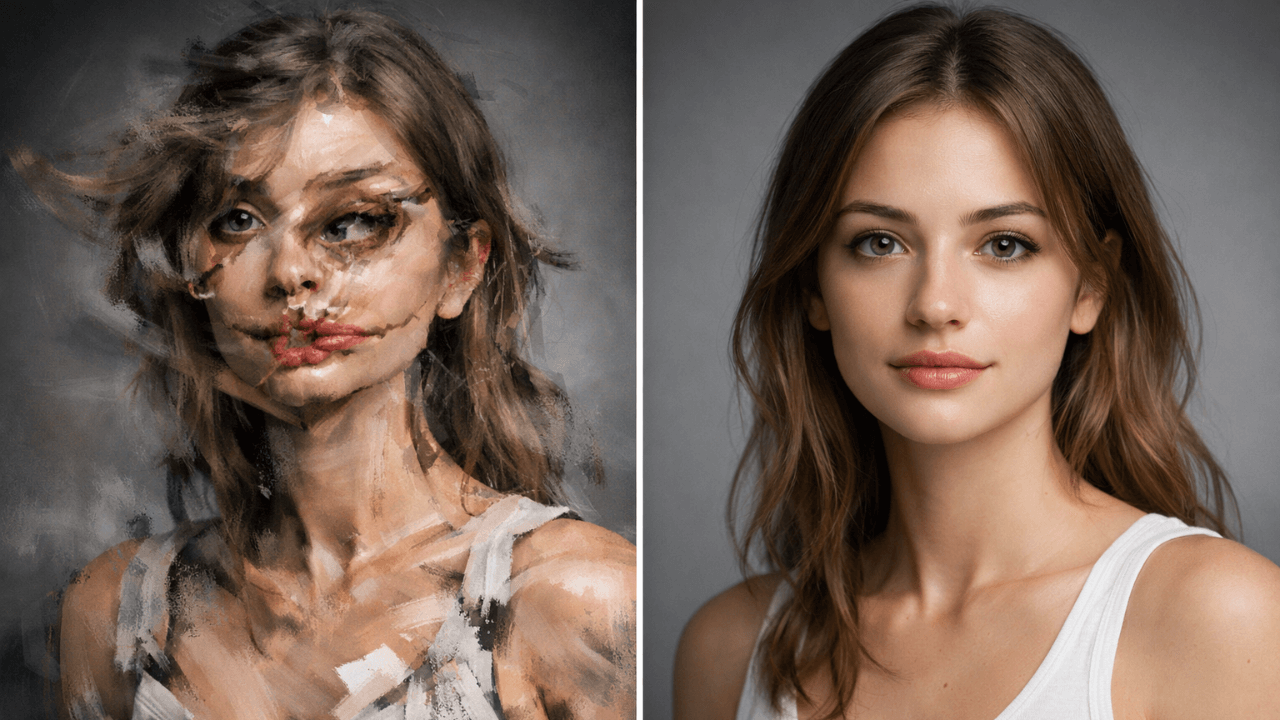
Many users assume Leonardo AI will automatically fix weak inputs. This leads to unrealistic results.
Common mistakes include:
- Writing overly long prompts with conflicting styles
- Mixing artistic and photorealistic terms together
- Ignoring lighting logic
- Expecting perfect realism in one generation
Another major mistake is treating Leonardo AI like a search engine. The tool does not guess intent. It follows visual instructions. Our guide on [Common Beginner Mistakes in AI Image Generation] covers these issues in detail.
Tips and Best Practices for Better Leonardo AI Images
To get more realistic Leonardo AI images:
- Keep prompts visually grounded
- Use simple, real-world descriptions
- Think in terms of camera, lighting, and environment
- Adjust one variable at a time instead of changing everything
Consistency matters more than creativity when realism is the goal. I generate multiple versions with small adjustments rather than rewriting prompts completely.
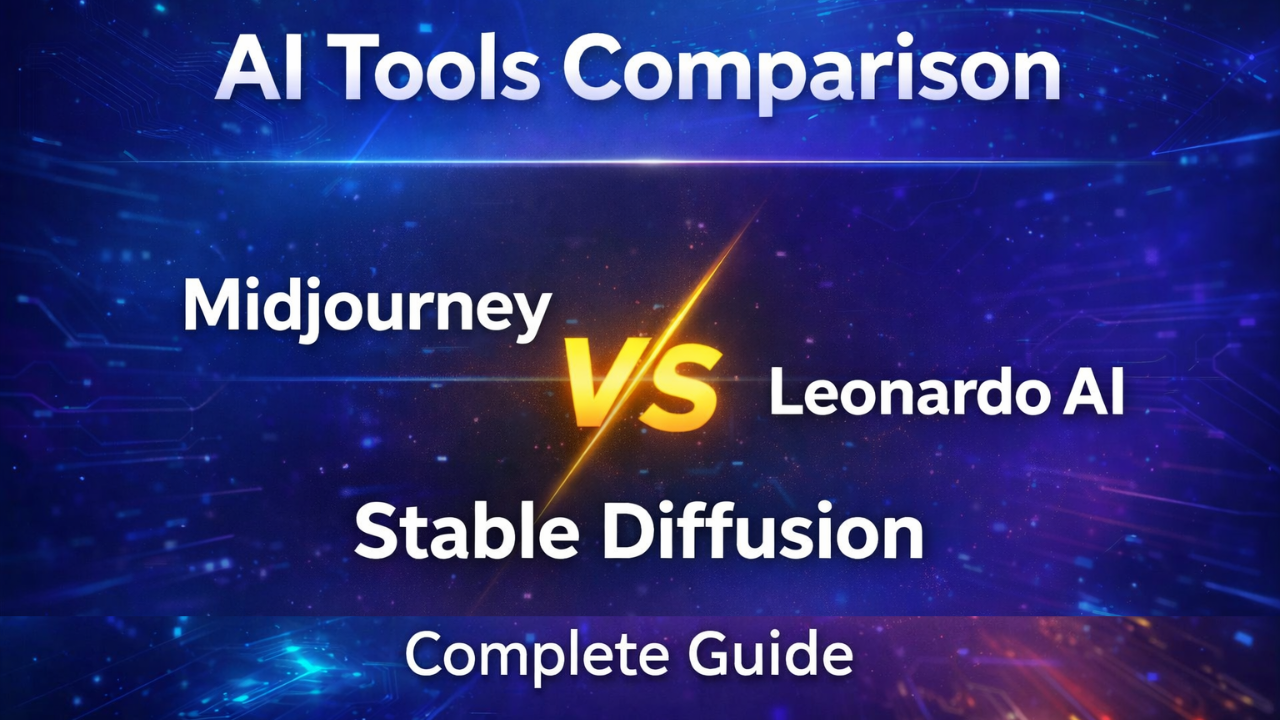
To understand how Leonardo compares to other tools, our guide [Midjourney vs Leonardo vs Stable Diffusion] provides a detailed comparison.
Leonardo AI vs Other Tools
| Feature | Leonardo AI | Midjourney | Stable Diffusion |
|---|---|---|---|
| Realism | ⭐⭐⭐⭐⭐ | ⭐⭐⭐ | ⭐⭐⭐⭐ |
| Ease of Use | ⭐⭐⭐⭐⭐ | ⭐⭐⭐⭐ | ⭐⭐ |
| Artistic Style | ⭐⭐⭐ | ⭐⭐⭐⭐⭐ | ⭐⭐⭐⭐ |
| Control | ⭐⭐⭐⭐ | ⭐⭐⭐ | ⭐⭐⭐⭐⭐ |
Each tool has its strengths. Leonardo is my go-to for realistic images, Midjourney for artistic projects, and Stable Diffusion when I need maximum control. Choose based on your goal, not on hype.
Frequently Asked Questions About Leonardo AI Images
Is Leonardo AI good for realistic images?
Yes, Leonardo AI is well suited for realistic image generation when prompts are clear and visually logical.
Why do some Leonardo AI images look artificial?
This usually happens due to conflicting styles, unrealistic lighting, or vague descriptions. Our guide on [Why AI Images Look Fake and How to Fix It] explains the causes and solutions.
Does Leonardo AI require advanced prompt skills?
No. It rewards clarity and structure more than complex prompt writing.
Can beginners use Leonardo AI for realism?
Yes. Leonardo AI is beginner-friendly compared to many other AI image tools. Our guide on [Stable Diffusion Explained for Beginners] shows how much more complex other tools can be.
Conclusion
Leonardo AI is a powerful option for creating realistic AI images, but results depend on how well users understand visual intent. Realism comes from structure, not complexity.
My Experience: When used correctly, Leonardo AI can produce clean, believable images suitable for content creation, design, and professional use.
For a deeper understanding of how AI image tools work overall, readers can explore the complete AI Image Generation Guide , which explains prompts, models, workflows, and common mistakes in detail.
Thank you for reading!