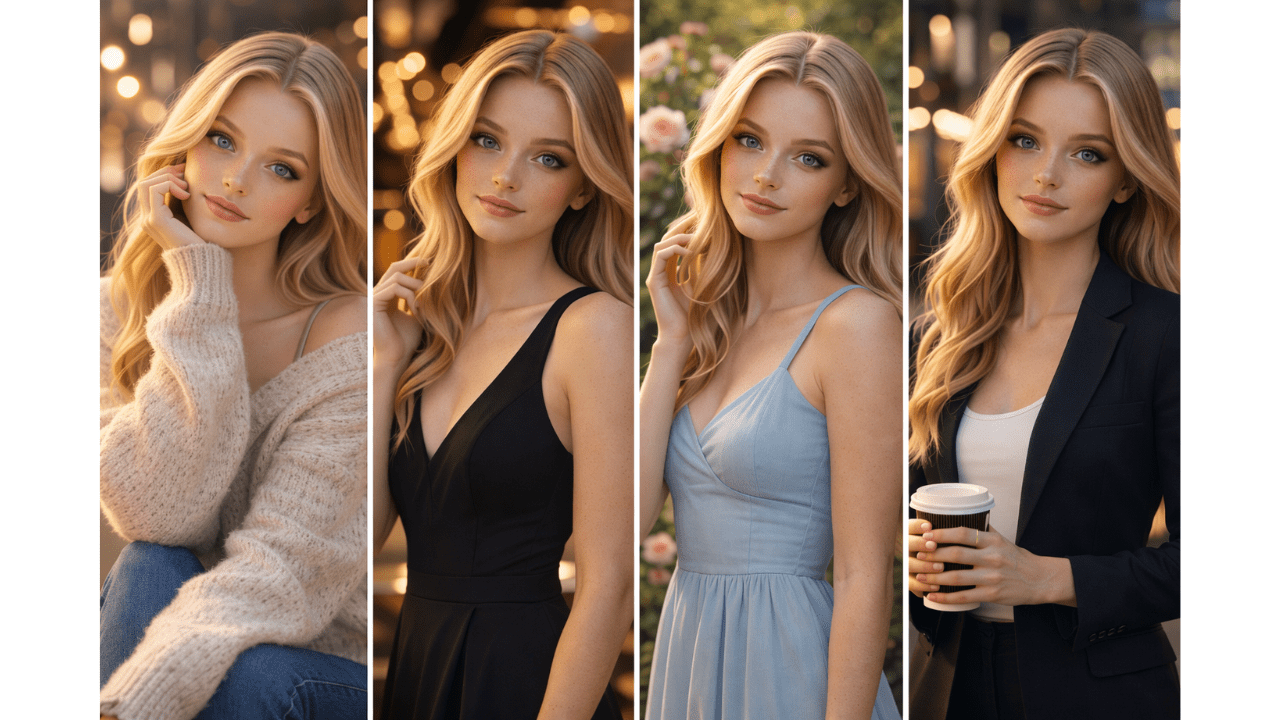
A few months ago, a client asked me to create 50 images of the same character for a marketing campaign. Easy, I thought. I’ll just use the same prompt.
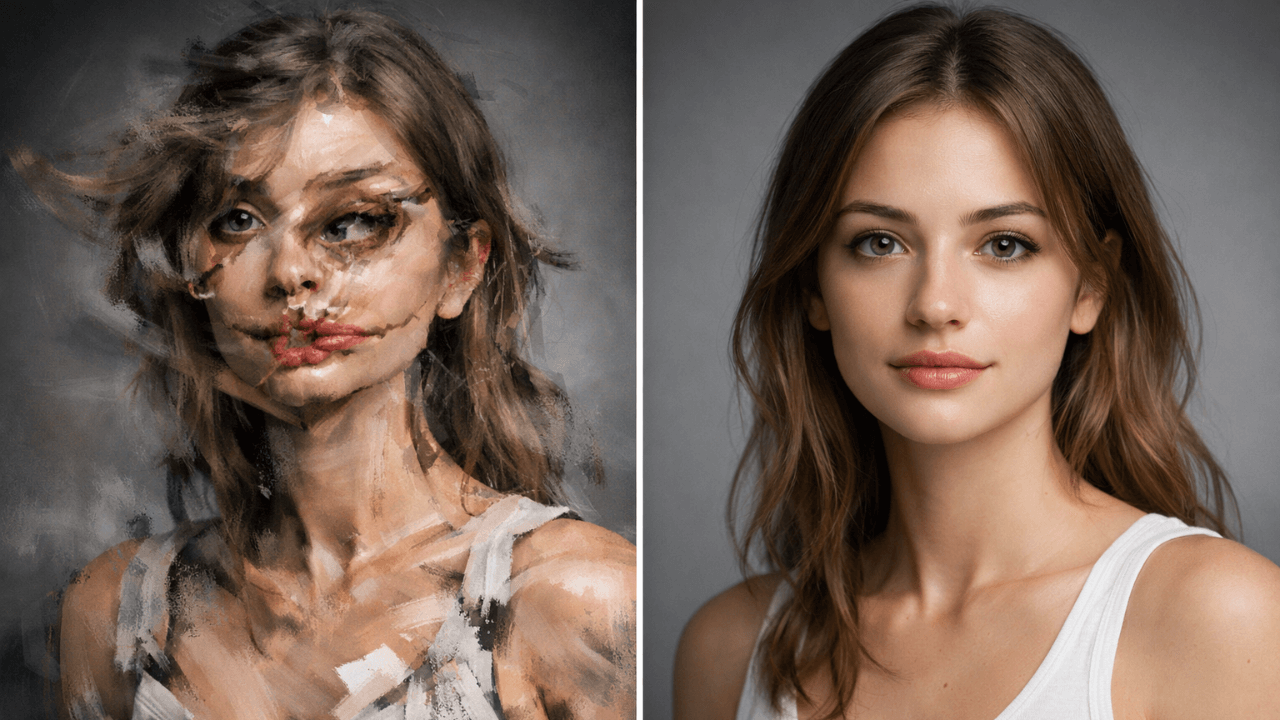
The first image was perfect. The second was completely different. The third looked nothing like the first two. Three days later, I had 50 images that looked like 50 different people.
That’s when I discovered seed values.
In this guide, I’ll explain what seeds are, how they work, and how they can save you from my three-day nightmare.
For a complete foundation in AI image generation, including how prompts work at a basic level, check out our comprehensive AI Image Generation Guide.
What Is a Seed?
A seed is a number that initializes the random noise the AI starts with. Every AI image begins with random noise, and the seed controls that randomness.
Think of it like this:
- Same prompt + same seed = same image
- Same prompt + different seed = different variations
- Different prompts + same seed = related variations
Before I understood seeds, I thought consistency was impossible. Now I can generate 50 matching images in hours instead of days.
Why Seeds Matter for Consistency
1. Character Consistency
Create the same character across different scenes, poses, and outfits.
2. Product Consistency
Generate multiple product shots that look like the same item.
3. Style Consistency
Maintain the same artistic style across a series.
4. Iterative Refinement
Find a seed you like, then tweak prompts while keeping the same seed.
5. Reproducibility
Save seeds to recreate images later or share them with others.
How to Find and Use Seeds
Finding Seeds
Most AI tools show you the seed after generating an image:
- Leonardo AI: Seed shown in image details
- Midjourney: Add
--seedparameter with your chosen number - Stable Diffusion: Seed shown in generation info
When I get an image I like, I immediately save its seed. It’s like saving a recipe.
Using Seeds
Once you have a seed, add it to your prompt:
Midjourney:
a portrait of a young man --seed 123456789
Leonardo AI:
Paste seed in the seed field or add
--seed 123456789to prompt
Stable Diffusion:
Set seed value in interface or add
--seed 123456789
Practical Examples
Example 1: Character Consistency
First Generation:
a fantasy warrior with long hair and armor, cinematic lighting --seed 987654321
Second Generation (same character, different pose):
the same fantasy warrior sitting on a throne, holding a sword, cinematic lighting --seed 987654321
Third Generation (same character, different outfit):
the same fantasy warrior in casual clothes, resting in a tavern, cinematic lighting --seed 987654321
My Experience: This is exactly how I solved my client problem. One seed, multiple variations, consistent character.
Example 2: Product Photography
First Generation:
a luxury watch on a white background, studio lighting --seed 123456
Second Generation (different angle):
the same luxury watch from side angle, studio lighting --seed 123456
Third Generation (different background):
the same luxury watch on marble surface, studio lighting --seed 123456
Example 3: Style Consistency
First Generation:
a landscape in impressionist style, soft colors --seed 555555
Second Generation (different scene):
a cityscape in the same impressionist style --seed 555555
Third Generation (different subject):
a portrait in the same impressionist style --seed 555555
Seed Strategies
Strategy 1: Find Your Base Seed
Generate 10-20 variations with different seeds. Pick the seed that produces the style you like best.
Strategy 2: Seed Families
Save groups of seeds that work well together. Create a “portrait seed library” and “landscape seed library.”
Strategy 3: Iterative Refinement
Start with a seed, then slowly tweak your prompt while keeping the seed. Watch how small changes affect the image.
Strategy 4: Seed + Negative Prompts
Use seeds with negative prompts to fix specific issues while maintaining consistency.
For more on negative prompts, our guide on [Negative Prompts Explained] has excellent techniques.
Common Seed Mistakes
1. Not Saving Seeds
❌ Find a great image, lose the seed → can’t recreate
✅ Always save seeds of images you like
2. Changing Too Much
❌ Change prompt completely → seed doesn’t help much
✅ Make small, incremental changes
3. Expecting Exact Matches
Same seed + different prompt = related, not identical. Adjust expectations.
4. Ignoring Tool Differences
Seeds work differently across tools. Learn your tool’s behavior.
Our guide on [Midjourney vs Leonardo vs Stable Diffusion] explains tool-specific seed behavior.
Seed Cheat Sheet
| Goal | Strategy |
|---|---|
| Same character, different poses | Same seed, vary pose description |
| Same product, different angles | Same seed, vary angle description |
| Same style, different subjects | Same seed, vary subject |
| Series consistency | One seed for entire series |
| Reproducible results | Save seed with prompt |
Frequently Asked Questions
Do seeds work the same in all AI tools?
No. Each tool implements seeds differently. Learn your tool’s behavior.Can I use any number as a seed?
Yes. Any integer works. Some tools have limits, but most accept any number.Will the same seed always give the same image?
Same seed + same prompt = same image. Same seed + different prompt = related but different.How many seeds should I save?
Save seeds for images you might want to build upon. I have a spreadsheet of favorite seeds.Can I share seeds with others?
Yes. Seeds are portable across the same tool. Share seed + prompt for reproducible results.
Conclusion
That three-day nightmare with 50 different-looking characters taught me a lesson I’ll never forget: consistency requires seeds. Now seeds are the first thing I think about for any series.
Saving seeds is like saving recipes. Once you find something that works, you can use it again and again.
Thank you for reading!