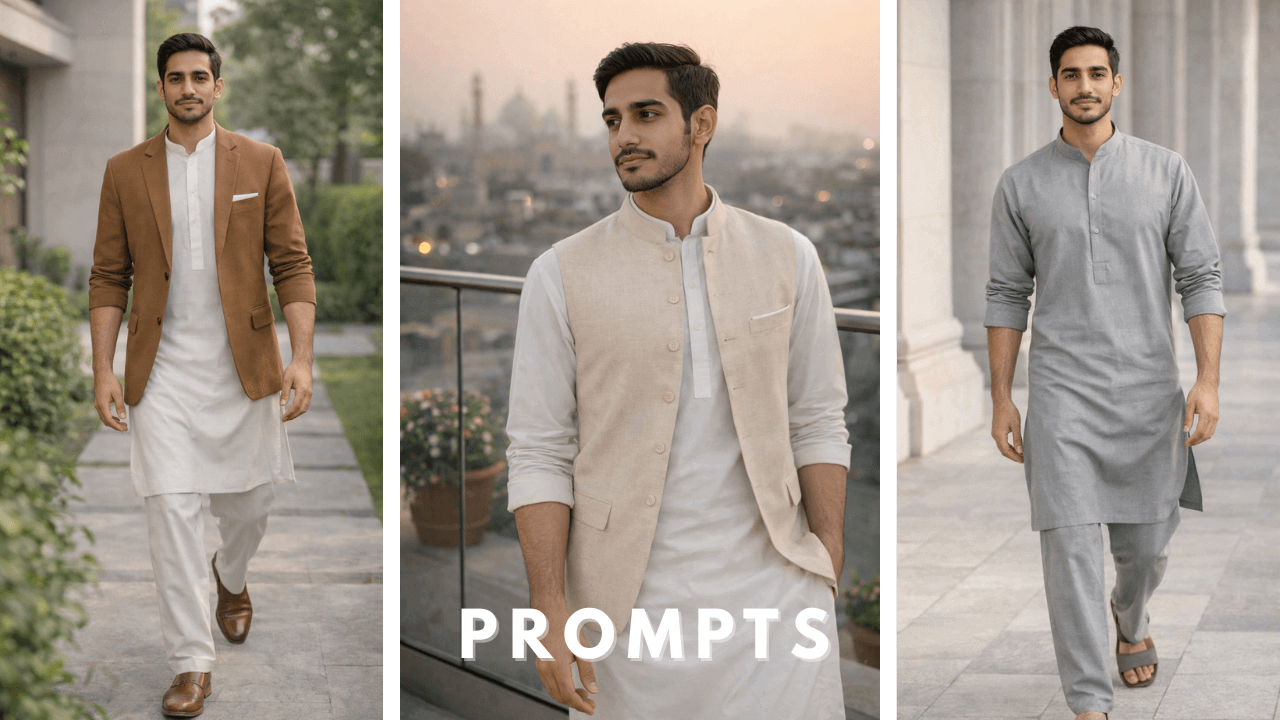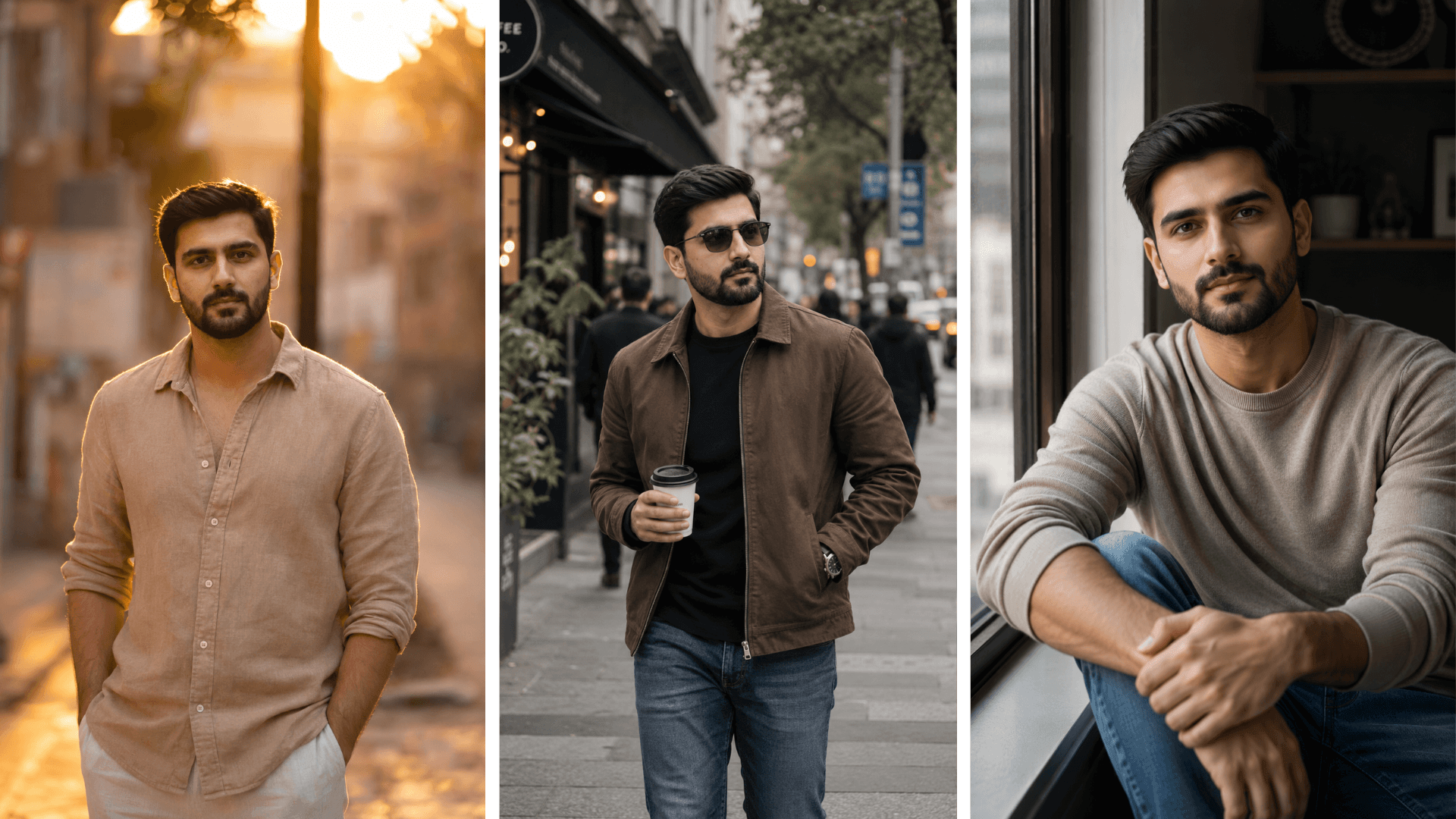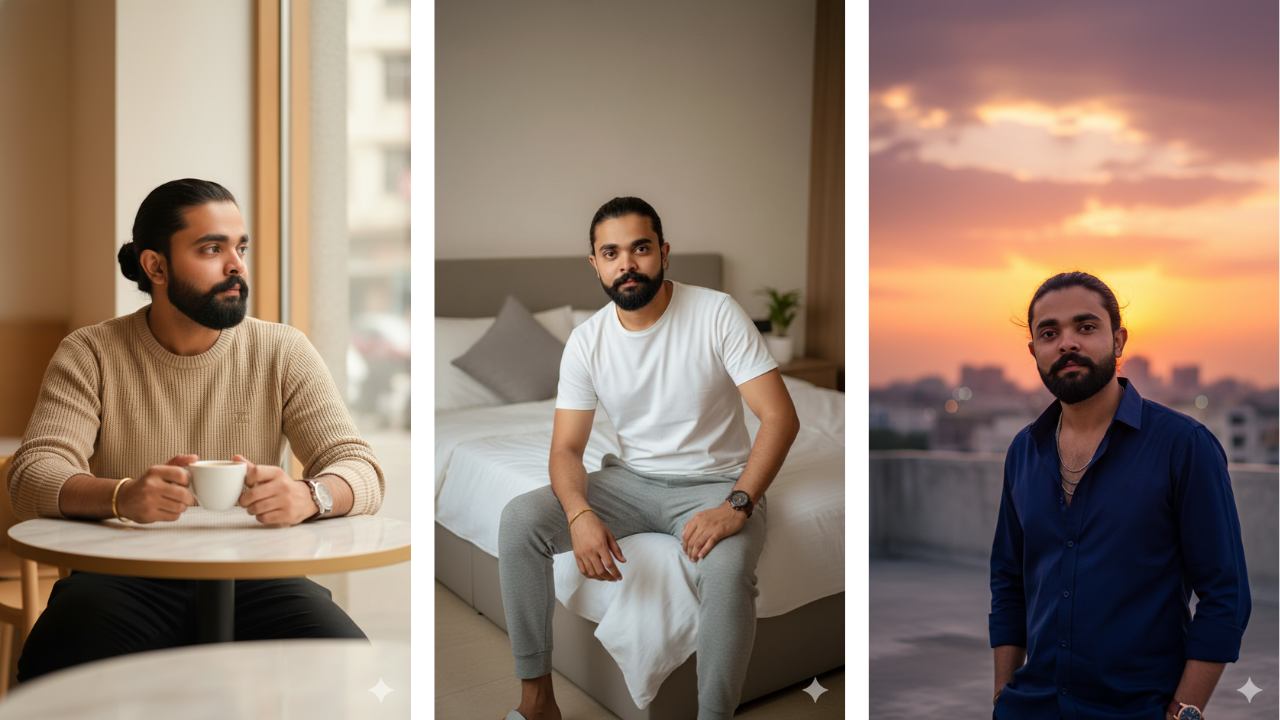
Introduction
A few months ago, a friend asked me to help him create professional portraits in shalwar kameez for his LinkedIn profile. He had tried using generic AI tools but the results were disappointing – either the face changed or the outfit looked fake.
I decided to experiment with Google Gemini specifically, and after several attempts, I found a workflow that consistently produced realistic results. The key wasn’t better prompts – it was understanding how Gemini interprets traditional clothing differently from other tools.
In this guide, I’ll share what I learned from that project and subsequent experiments. If you’re using Google Gemini for shalwar kameez portraits, these techniques will save you hours of trial and error.
For a complete foundation in shalwar qameez AI portraits, including how to structure prompts and choose reference images, check out our comprehensive Shalwar Qameez Photo Prompts – A Complete AI Portrait Guide
Why Google Gemini for Shalwar Kameez?
Through my testing, I discovered that Google Gemini has several strengths for traditional portraits:
- Literal interpretation – Gemini follows prompt instructions more strictly than other tools
- Environment understanding – It creates realistic backgrounds based on descriptions
- Lighting consistency – Lighting instructions are followed accurately
- Cultural context – With clear prompts, Gemini understands traditional settings
When I compared the same prompt across Gemini and other tools, Gemini consistently produced more predictable results for structured portraits like shalwar kameez.
How AI Photo Editing Actually Works
AI image editing is not true “editing” in the traditional sense. The system follows probabilities rather than memory.
The process looks like this:
- You provide a text prompt describing the scene
- A reference image may be uploaded for facial identity
- The AI analyzes facial structure, clothing description, environment, and lighting cues
- The image is generated based on learned visual patterns
If prompts are vague or flexible, the AI may redesign clothing, pose, or background instead of applying subtle enhancement. This is why clear structure matters more than long prompts.
AI Tools & Platforms for Shalwar Qameez Portraits
Different AI tools serve different purposes in the creation workflow. Understanding their roles helps you choose the right tool for each stage.
ChatGPT is best used for writing and refining photo prompts. It helps remove vague descriptions and structure prompts clearly before you move to an image generator. Many creators use it to design prompt logic and ensure outfit, pose, and lighting instructions are well-defined.
Google Gemini is useful for understanding visual styles and generating accurate environment descriptions. It often follows prompt instructions more literally than other tools, which makes it helpful when you want precise control over lighting, background realism, and scene composition.
Midjourney excels at artistic and cinematic interpretations. It produces visually striking images with strong composition and mood. For shalwar qameez portraits where you want a more creative or editorial feel, Midjourney is an excellent choice.
Leonardo AI focuses on realism and control. It’s particularly good for generating clean, detailed portraits with accurate fabric texture and natural skin tones. If your goal is photorealism, Leonardo AI is worth exploring.
Stable Diffusion offers maximum customization for advanced users. You can run it locally, fine-tune models, and have complete control over the generation process. It requires more technical knowledge but provides unmatched flexibility.
Each tool has its strengths. The key is matching the tool to your specific goal.
Reference Image Guidelines (Critical for Accuracy)
Most face distortion issues come from poor reference images, not bad prompts.
Best practices:
- Face should be front-facing
- Expression should be neutral
- Lighting should be even and natural
- No blur, filters, or heavy edits
- Eyes visible and looking toward the camera
A clean reference image allows the AI to replace identity instead of rebuilding the face.
Controlling Style Without Overloading Prompts
Over-styling is one of the most common mistakes in AI photo editing.
To keep results realistic:
- Avoid heavy embroidery or wedding-level detail
- Use solid or lightly textured fabrics
- Stick to neutral tones like white, beige, grey, navy
- Keep accessories minimal
Simple descriptions give AI less room to hallucinate.
Educational Prompt Examples
These examples demonstrate structure. Each includes personal experience notes.
Example 1
A confident young man wearing a tailored charcoal shalwar kameez with a fitted blazer, standing straight with hands lightly joined in front. Smooth studio grey background, soft cinematic lighting, high-end editorial portrait, clean realistic skin texture, luxury modern menswear styling. 85mm lens crisp detail.

This was the first successful Gemini portrait I created for my friend’s LinkedIn. The key was “hands lightly joined in front” – it created a natural, professional pose without looking stiff.
Example 2
Dark green shalwar kameez, blazer removed, hands casually in pockets. Neutral indoor background with soft shadows, professional magazine posture, realistic high-end textures. Natural confident smile.

I learned that “hands in pockets” works well for casual portraits, but only if the rest of the pose is clearly defined. Without “professional magazine posture,” Gemini created awkward slouching.
Example 3
Cream shalwar kameez with minimal embroidery. Model sitting relaxed on a wooden stool in a photography studio. Side light highlighting jawline and outfit folds. Modern portrait layout, 4K realism.

Side lighting is Gemini’s strength. It rendered fabric folds beautifully. The wooden stool added texture without distracting.
Example 4
Black shalwar kameez with matte finish. A close-up mid-shot while adjusting his sleeves like a fashion influencer. Clean blurred background. Sharp eyes, premium grooming, rich detail.

“Adjusting sleeves” created movement and interest. Matte finish description prevented the black fabric from looking plastic.
Example 5
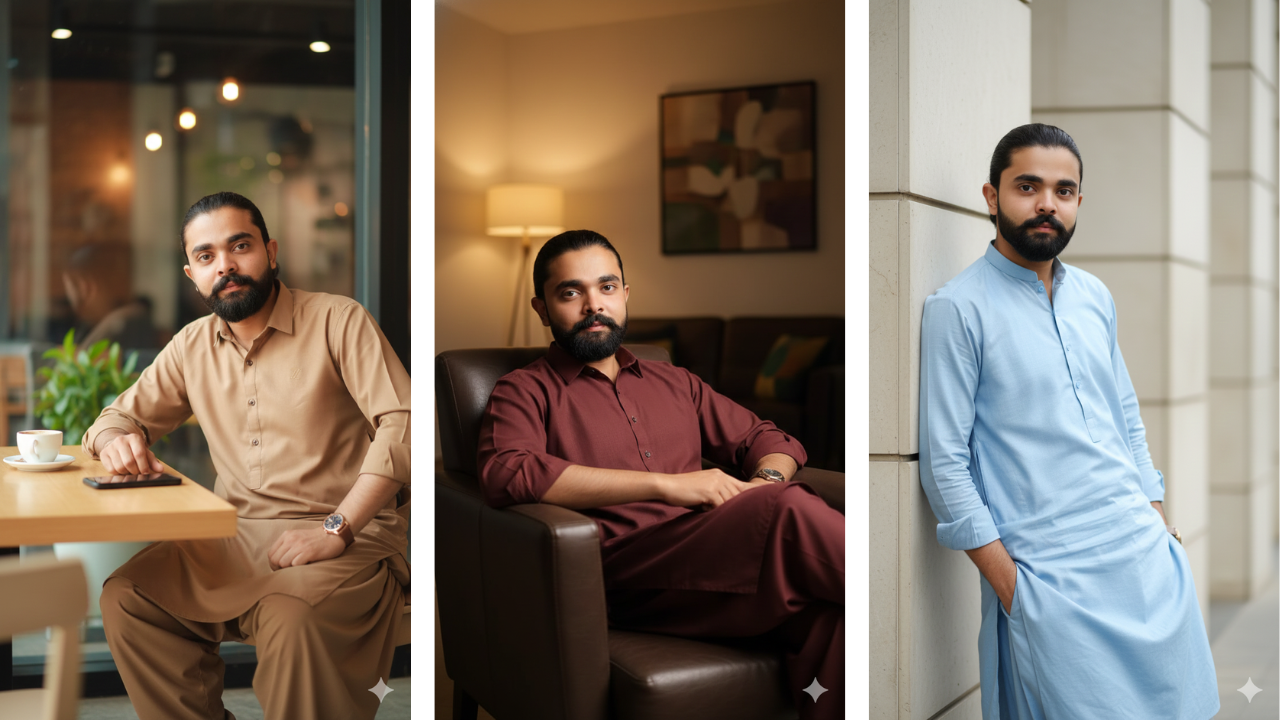
Light brown shalwar kameez. Sitting casually at a modern café table with a coffee cup. Natural window light from the side. Warm cinematic tones, relaxed body language, soft background blur.

Café scenes are Gemini’s specialty. It understood “natural window light” perfectly and created realistic shadows.
Example 6
Sky-blue shalwar kameez. Leaning shoulder to a modern architectural wall. Confident straight gaze at camera. Outdoor soft daylight, magazine-style pose with realistic textures.

“Leaning shoulder” created a casual, approachable look. Sky blue against white architecture was stunning.
Example 7
White shalwar kameez with black blazer, high-end business-casual look. Standing slightly angled. Premium sunlight on face. Sleek and modern professional portrait tone.

This became my go-to for professional profiles. White and black combination is timeless, and Gemini rendered it perfectly.
Example 8
Dark navy shalwar kameez. Slow walking pose on a clean polished floor. Shallow depth of field, stylish portfolio photography, natural confident stride, realistic motion detail.

“Slow walking pose” added dynamism. Shallow depth of field kept focus on the subject while blurring the background naturally.
Example 9
Maroon shalwar kameez. Sitting in a leather lounge chair with a relaxed confident expression. Soft gold interior lighting. Premium lifestyle shoot.

Maroon against gold lighting created a rich, luxurious feel. The leather chair added texture and context.
Example 10
A soft beige shalwar kameez, walking confidently in an old European street with warm shadows. Travel photography vibe, cinematic storytelling, premium portrait look.

Gemini understood “old European street” perfectly and created authentic architecture. The warm shadows added depth and mood.
Common Mistakes to Avoid
- Writing long but unclear prompts
- Using low-quality reference images
- Mixing too many styles in one prompt
- Expecting identical results across tools
- Forcing dramatic effects unnecessarily
Avoiding these mistakes improves results more than adding extra keywords.
Where These Images Are Commonly Used
AI-edited portraits are often used for:
- Profile images
- Personal portfolios
- Editorial mockups
- Event visuals
- Creative experimentation
Use cases vary, but realism should always be the priority.
Frequently Asked Questions
Why use Google Gemini specifically for shalwar kameez?
Gemini follows prompt instructions more literally than other tools, making it ideal for structured traditional portraits where accuracy matters.Do I need professional photos as reference?
No. A clean mobile photo with good lighting works perfectly.Can I use the same prompts in other tools?
Yes, but results will vary. Each tool interprets prompts differently.How do I improve face consistency in Gemini?
Use a clean, front-facing reference image with neutral expression.
Final Thoughts
Shalwar kameez AI photo editing works best when prompts are structured, reference images are clean, and styling remains minimal. The goal is not to overwhelm the AI, but to guide it clearly.
hat LinkedIn project taught me that Gemini, when used correctly, can produce portraits that look professionally photographed. The key is understanding how it thinks.