Introduction
AI photo editing has made it easy to generate realistic portraits, but achieving visual consistency remains a major challenge for many creators. Faces change, outfits shift, backgrounds regenerate, and lighting becomes inconsistent across multiple images.
When I first started using Google Gemini for AI photo editing, I was excited by the quality but frustrated by the inconsistency. One image would look perfect, the next would have a completely different face. After generating and testing hundreds of AI portraits using reference images, I noticed a clear pattern.
These issues are not caused by weak AI tools. They happen because most users do not understand how AI interprets prompts and reference images together.
This article is written as a learning-focused educational guide, not as a simple prompt list. Its purpose is to explain how reference-based AI photo editing works, why face drift happens, and how structured prompts can help creators produce repeatable, professional-quality results.
How Reference-Based AI Photo Editing Works
In reference-based AI photo editing, the AI is given two clear responsibilities:
- The prompt defines the entire scene (outfit, pose, lighting, camera, and environment)
- The reference image defines only the facial identity
When prompts clearly lock visual elements, the AI is prevented from redesigning the subject. This forces the system to apply the reference face correctly instead of rebuilding the image.
If prompts are vague or flexible, the AI tries to recreate everything, which results in face drift, outfit changes, or inconsistent environments.
This is why reference-based workflows focus on control, not creativity reduction.
For a complete foundation in prompt structure and styles, including how to adapt them for different platforms, our Boys AI Photo Prompts: The Ultimate Guide is an essential resource before diving into reference-based editing.
Image Generation Process (Must Read Before Using Any Prompt)
Regardless of how well a prompt is written, results depend heavily on the generation process.
Tools such as ChatGPT and Google Gemini both support reference-image-based workflows, but only when used correctly.
Recommended workflow for consistent results:
- Choose one AI tool and remain consistent within the same session
- Upload a clean, front-facing, unfiltered reference image
- Avoid sunglasses, heavy filters, or exaggerated expressions
- Use one prompt at a time, exactly as written
- Do not add extra pose, lighting, or styling instructions
- Allow the AI to replace only the facial identity
In this workflow, the prompt locks the visual structure, and the reference image locks the face. This separation is essential for predictable, repeatable outputs.
Educational Prompt Examples (Study the Structure)
Important clarification
The prompts below are not templates.
They are educational examples provided to demonstrate how scene elements are locked for reference-based editing.
Prompt 1 – Urban Staircase Casual Look
Ultra-realistic full-body male portrait.
Outfit locked: olive green button-up casual shirt with sleeves slightly rolled, black slim-fit pants, white sneakers.
Pose locked: sitting casually on outdoor concrete stairs, one elbow resting on knee, hand near chin in a thoughtful pose.
Accessories locked: round sunglasses, wristwatch.
Environment locked: old urban staircase with textured walls, natural daylight, shallow depth of field.
Camera locked: eye-level angle, full-body framing, cinematic realism.
Lighting locked: soft natural daylight, balanced contrast.
Replace only the facial identity using the uploaded reference image.
Do not change pose, outfit, colors, background, or lighting.
Maintain ultra-realistic skin texture and sharp facial details.

This was my first successful reference-based prompt. The olive shirt against urban stairs created a great contrast. The face swapped perfectly while everything else stayed locked.
Prompt 2 – Indoor Minimal Lounge Set
Ultra-realistic full-body male portrait.
Outfit locked: beige hoodie and matching jogger pants, light grey slip-on sneakers.
Pose locked: seated on a modern fabric sofa, relaxed posture, hands resting naturally.
Environment locked: minimal indoor living room with green plants, soft neutral tones.
Camera locked: straight-on angle, mid-to-full body framing.
Lighting locked: soft diffused indoor light, clean shadows.
Replace only the face using the reference image.
Everything else must remain identical.

Beige hoodie with joggers is comfortable yet stylish. The green plants added freshness. Face swap was seamless.
Prompt 3 – Mediterranean Doorway Style
Ultra-realistic male portrait.
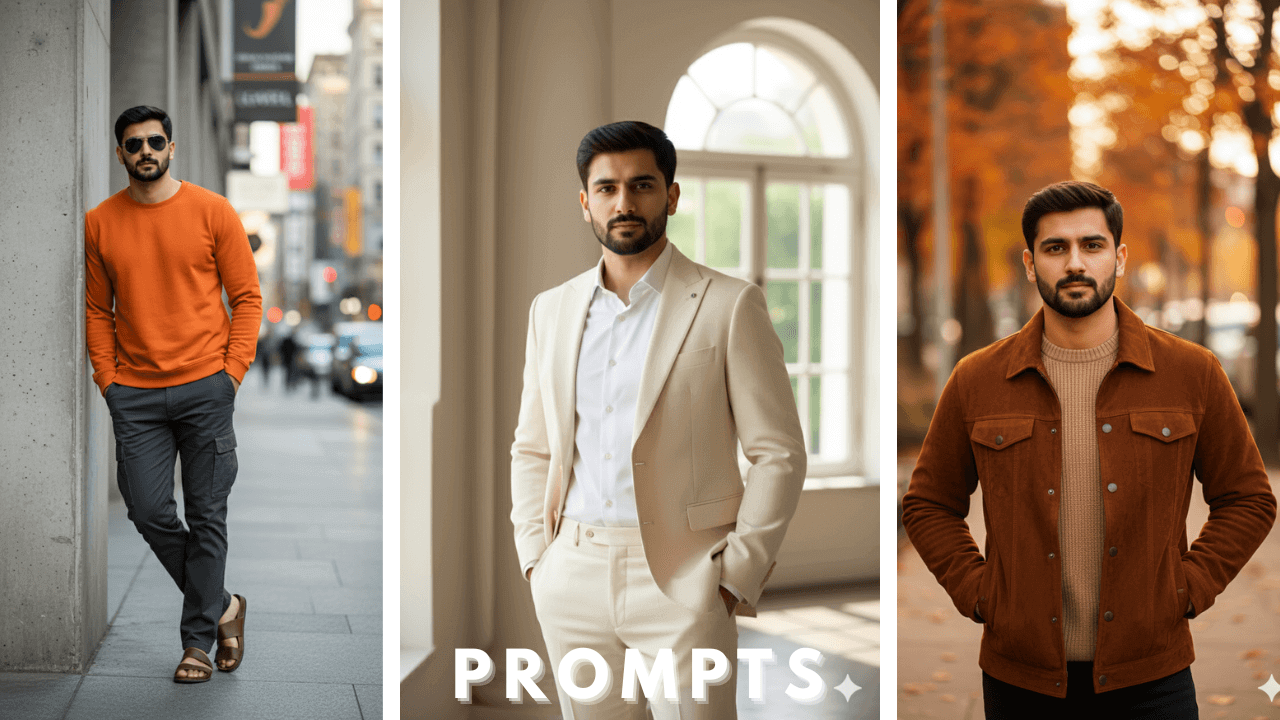
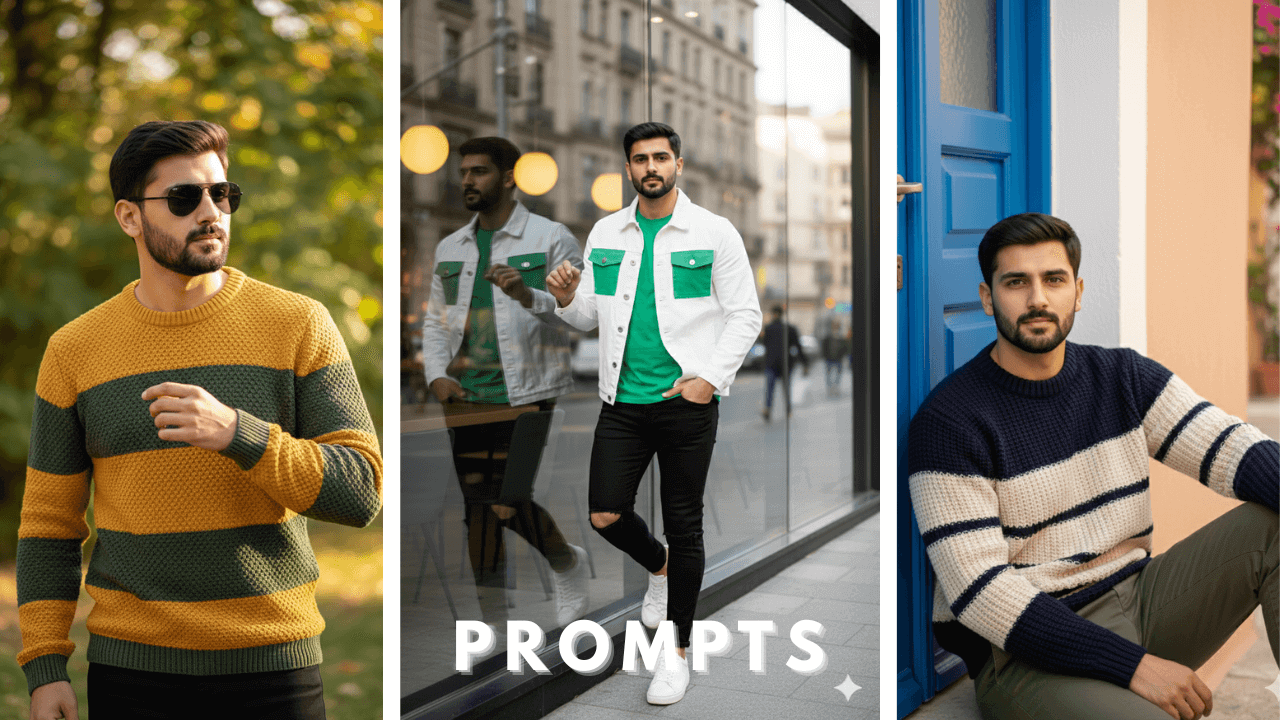
Outfit locked: navy and cream color-block knitted sweater, olive trousers.
Pose locked: sitting casually near a blue wooden door, relaxed arms, natural expression.
Environment locked: Mediterranean outdoor setting, pastel walls, soft daylight.
Camera locked: mid-body framing, cinematic realism.
Lighting locked: warm natural daylight.
Apply reference face only, no changes to styling or scene.

Mediterranean settings are always beautiful. The color-block sweater added visual interest. Face swap worked perfectly.
Prompt 4 – Outdoor Sunglasses Casual Knit
Ultra-realistic male portrait.
Outfit locked: textured knit sweater with mustard yellow and dark green horizontal bands, black pants.
Pose locked: standing casually, one hand near chest, relaxed posture.
Accessories locked: aviator sunglasses, ring on finger.
Background locked: outdoor blurred greenery, natural sunlight.
Camera locked: chest-up framing, shallow depth of field.
Replace only facial identity from reference image.

The mustard and green bands were eye-catching. Aviator sunglasses added cool factor. Face swap was perfect.
Prompt 5 – Café Window Fashion Look
Ultra-realistic full-body male portrait.
Outfit locked: white jacket with green panels, green t-shirt, black jeans, white sneakers.
Pose locked: leaning casually near café glass window, one foot crossed.
Environment locked: modern café exterior, warm ambient lighting inside.
Camera locked: full-body fashion framing.
Use reference image for face only.

Café window shots are very popular. The green panels added a sporty touch. Face swap was seamless.
Prompt 6 – Street Wall Casual Shoulder Bag
Ultra-realistic full-body male portrait.
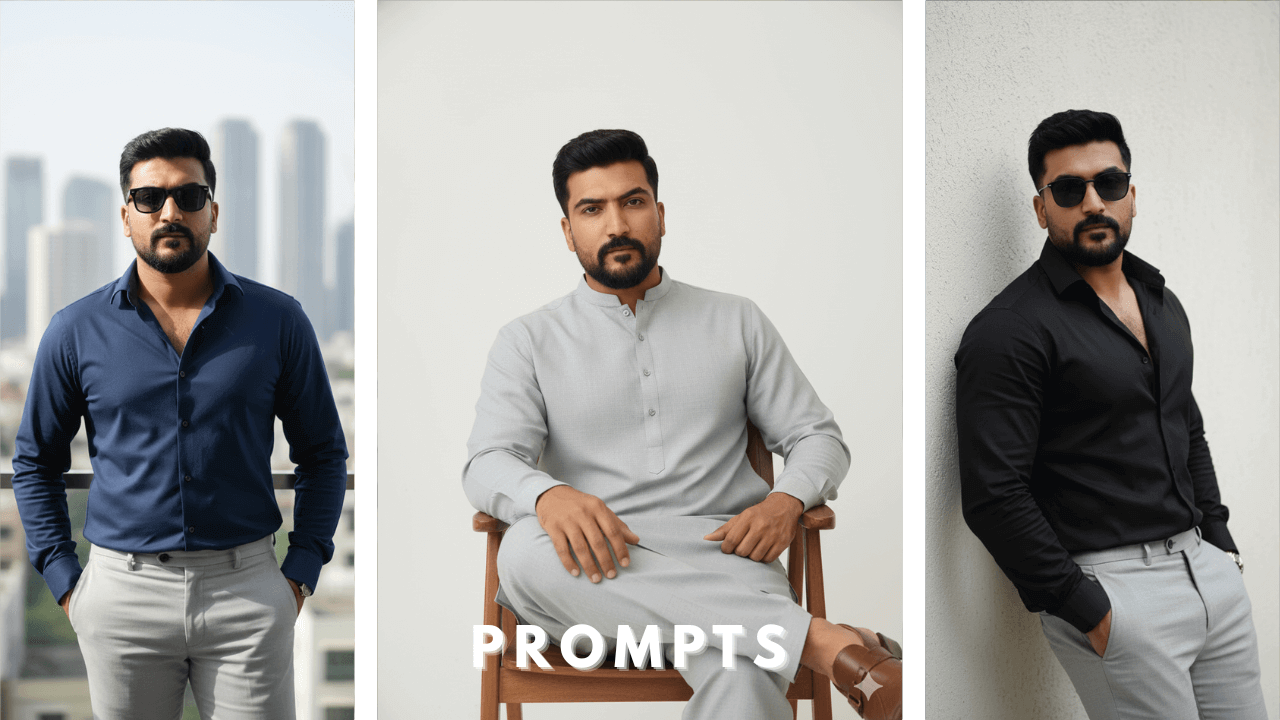
Outfit locked: light grey casual shirt, dark grey pants, white sneakers.
Pose locked: leaning against a pink brick wall, one hand in pocket, shoulder bag worn cross-body.
Environment locked: urban street background, shallow depth.
Camera locked: full-body vertical framing.
Change only face, nothing else.

Pink brick wall added a pop of color. The shoulder bag added lifestyle touch. Face swap worked perfectly.
Prompt 7 – Nature Side Wall Portrait
Ultra-realistic male portrait.
Outfit locked: green and white vertical striped casual shirt, black jeans.
Pose locked: standing sideways near a stone wall, relaxed stance.
Environment locked: greenery with warm evening sunlight.
Camera locked: mid-body framing, cinematic depth.
Reference image controls face only.

Vertical stripes are slimming and stylish. The stone wall added texture. Face swap was perfect.
Prompt 8 – Modern Balcony Casual Look
Ultra-realistic full-body male portrait.
Outfit locked: beige striped shirt, black slim pants, white sneakers.
Pose locked: leaning on balcony railing, confident relaxed posture.
Environment locked: modern building exterior, daylight.
Camera locked: full-body fashion shot.
Replace facial identity only.

Balcony shots with striped shirts look fresh and modern. The confident pose added attitude. Face swap was seamless.
Prompt 9 – Athletic Urban Tracksuit
Ultra-realistic full-body male portrait.
Outfit locked: black athletic tracksuit with white stripes, white t-shirt, sneakers.
Pose locked: standing against a dark concrete wall, one hand holding jacket collar.
Environment locked: modern urban street.
Lighting locked: soft directional daylight.
Apply reference face only.

Athletic tracksuits are trendy. The white stripes added contrast. Face swap worked perfectly.
Prompt 10 – Modern Hoodie City Look
Ultra-realistic full-body male portrait.
Outfit locked: red hoodie, dark blue jeans, white sneakers.
Pose locked: standing confidently near modern buildings.
Environment locked: city background with cool tones.
Camera locked: full-body cinematic framing.
Replace only facial features using reference image.

Red hoodie against cool-toned city background created beautiful contrast. Simple but effective. Face swap was perfect.
Why These Prompts Work (Research-Based Insight)
After extensive testing, face inconsistency usually occurs when AI is given interpretive freedom.
These prompts work because they:
- Lock clothing, colors, and textures
- Fix camera distance and framing
- Clearly define lighting conditions
- Remove optional or flexible styling language
As a result, the AI cannot redesign the subject and is forced to apply the reference face accurately.
SEO-Friendly and Responsible Usage Guidelines
To use these prompts effectively and safely:
- Use one reference image per generation
- Keep facial expressions neutral
- Never modify the prompt text
- Change only the reference image when needed
This approach ensures long-term consistency and professional output.
Common Mistakes to Avoid
Many beginners experience poor results due to the following mistakes:
- Mixing multiple prompts in one request
- Adding subjective words like “handsome” or “perfect face”
- Manually changing lighting instructions
- Using low-quality or edited reference images
- Treating prompts as shortcuts instead of structured instructions
Avoiding these errors significantly improves accuracy.
Final Thoughts
Reference-based AI photo editing is not about copying viral prompts. It is about understanding how AI systems interpret structure, identity, and control.
This guide prioritizes education over automation. The prompts are included only as learning examples. When used with the correct workflow, AI tools can produce consistent, professional-grade portraits without face drift or visual inconsistency.
Thank you!