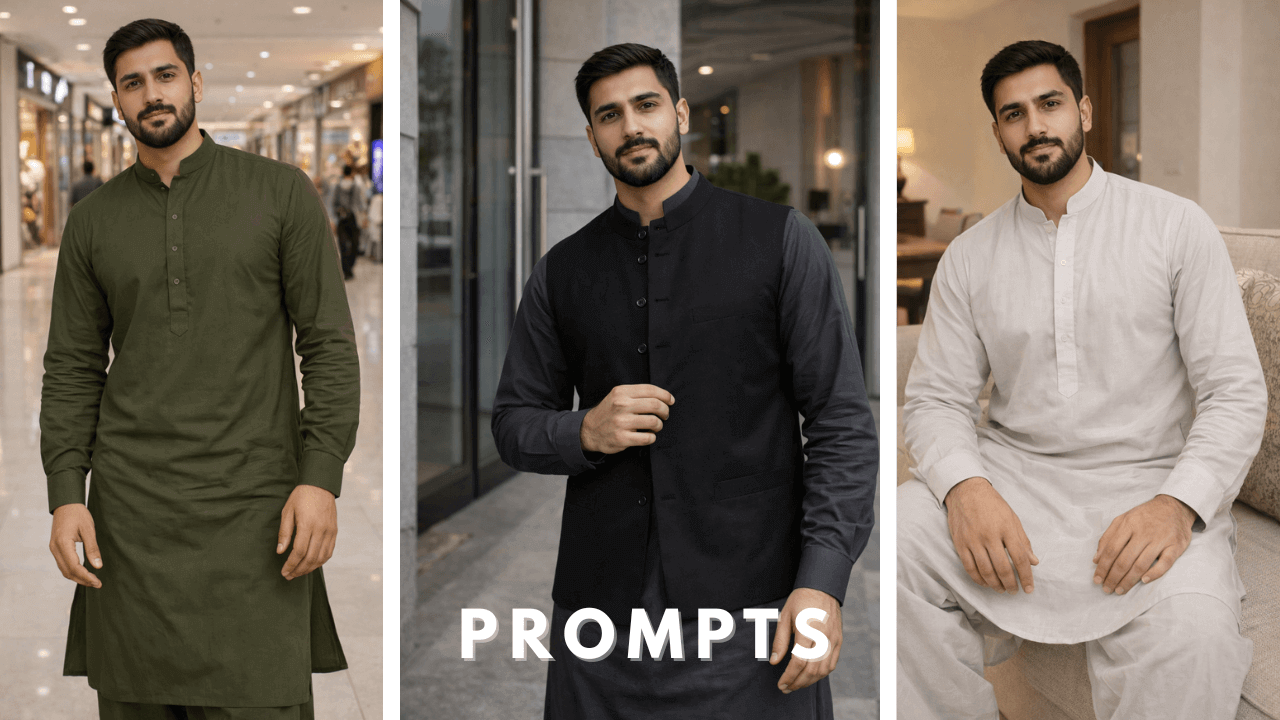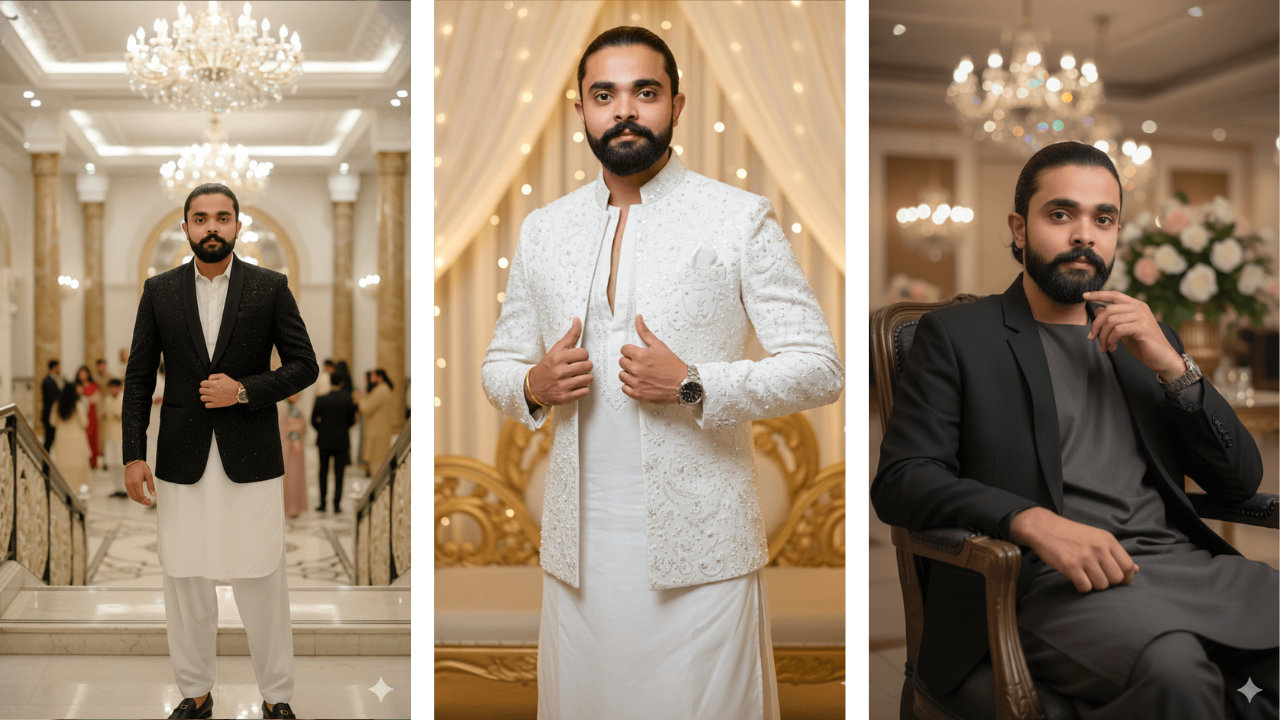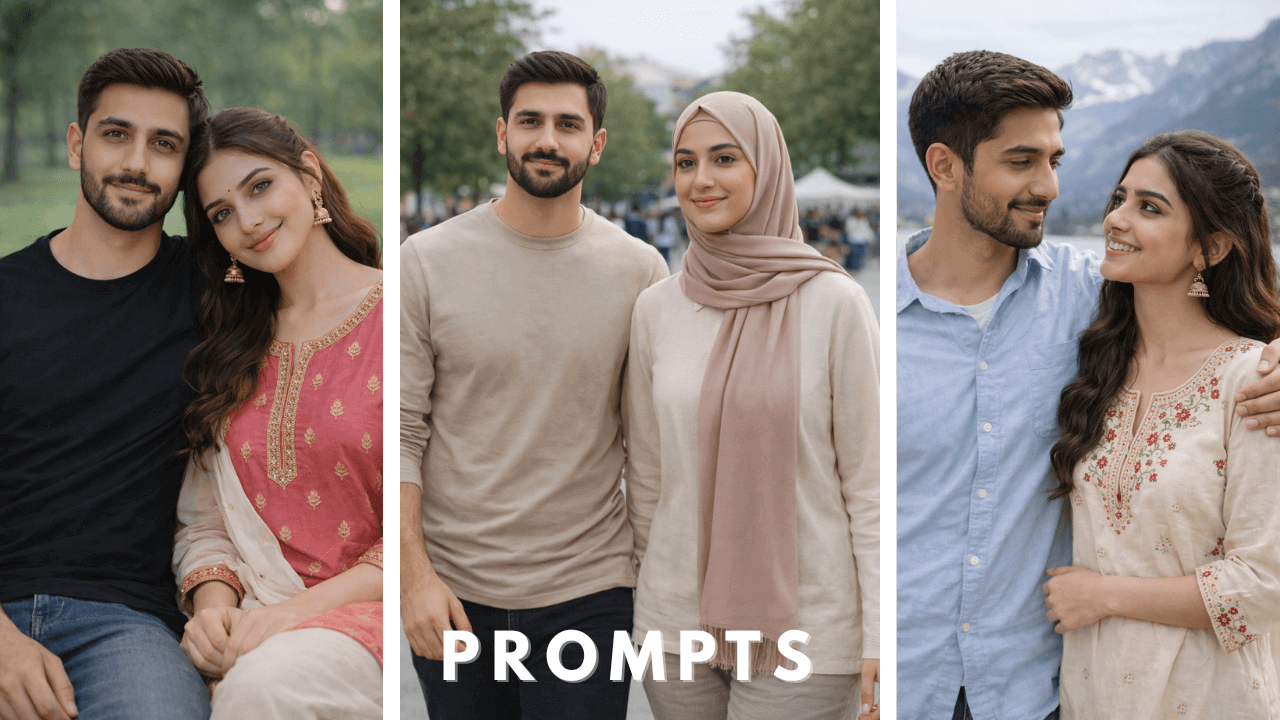
Introduction
Winter visuals are one of the hardest styles to generate accurately using AI photo editing tools. Cold lighting, heavy clothing layers, and low-contrast environments often cause blurry output or unwanted face changes.
When I first started creating winter AI portraits, I was disappointed by the results. Faces would blur, skin tones would look unnatural, and the winter atmosphere never felt right. After many experiments, I finally developed a system that works.
This guide is written to teach how winter AI photo editing works, not just to provide prompts. You’ll learn how to preserve facial identity, control winter lighting, and create sharp editorial-style winter portraits using AI.
Why Winter AI Photo Editing Is More Challenging
Winter scenes introduce several technical problems for AI models:
- Low ambient light reduces facial clarity
- Thick jackets and layers hide body structure
- Cool color tones can wash out skin texture
- Cinematic haze often appears unintentionally
Without correct structure, AI models guess details, which leads to blur or face distortion. Understanding these challenges helps you write better prompts and choose correct reference images.
For beginners who want to understand the core principles of AI photo prompts before applying seasonal styles like winter, our Boys AI Photo Prompts: The Ultimate Guide provides a strong foundation.
Image Generation Process for Same-Face Winter Results (Very Important)
Before using any winter AI prompt, the process matters more than wording.
Step-by-Step Workflow
Choose a clean reference image
Use a front-facing, well-lit photo with no filters. Winter prompts rely heavily on facial mapping.
Upload the reference image first
Always upload the image into tools like ChatGPT or Google Gemini before pasting the prompt.
Clearly mention face consistency
Simple phrases work best, such as:
- “exact same face from the reference image”
- “100% facial likeness preserved”
Avoid filtered or edited selfies
Filters distort facial landmarks, which increases face shift in winter lighting.
Use one prompt at a time
Stacking multiple winter styles confuses the AI and reduces realism.
This workflow alone solves most winter face-change issues.
How Winter Lighting Affects AI Realism
AI models react differently to winter lighting compared to summer or studio scenes.
- Cool tones require stronger clarity keywords
- Shadows need controlled direction
- Haze must be actively removed
That’s why winter prompts should include:
- deep focus
- entire frame sharp
- no softness or haze
These instructions tell the AI to prioritize realism over cinematic blur.
Example: Ultra-Realistic Winter Editorial Prompts
(Educational examples – customize for your own images)
Note:
The prompts below are included purely for learning purposes. They demonstrate how winter AI photo prompts are structured, how lighting is controlled, and how facial identity is preserved. You should always modify clothing, locations, and overall mood according to your own reference image.
1. Winter Indoor Editorial – Neutral Tones
Example Prompt:
Ultra-realistic 8K winter fashion editorial photograph using the exact same preserved face from the reference image. The model stands indoors near a softly lit wall, hands relaxed, posture confident. He wears a cream winter shirt with dark trousers. Subtle winter light, neutral beige and grey tones. Entire frame razor-sharp, editorial magazine quality.
–ar 9:16

Neutral tones work well for indoor winter shots. “Subtle winter light” prevented the image from looking too dark. Perfect for cozy content.
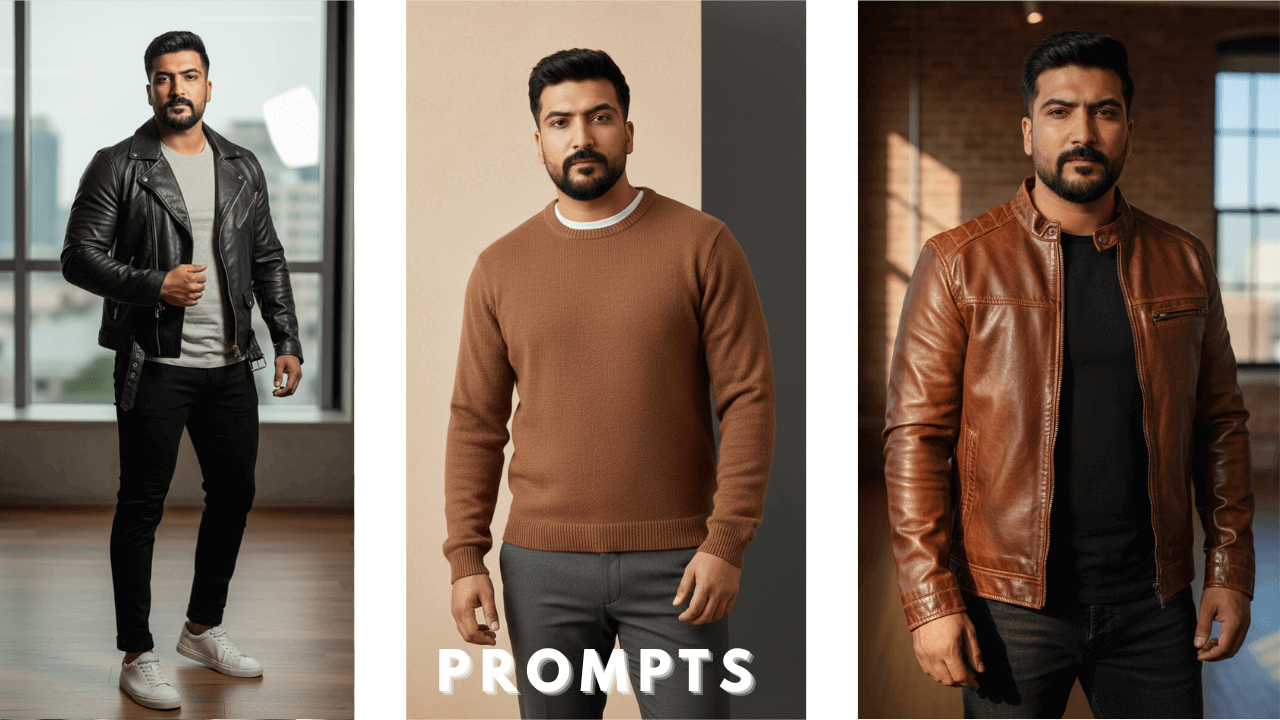
2. Leather Jacket Editorial – Winter Statement
Example Prompt:
Ultra-realistic 8K winter editorial portrait with unchanged face. The model stands in a professional photoshoot stance wearing a black genuine leather jacket over a plain dark shirt, paired with black pants. Winter lighting highlights leather texture and sharp facial structure. Premium fashion realism, no softness.
–ar 9:16

Leather jackets need careful lighting. “Winter lighting highlights leather texture” made the jacket look real without washing out the face. Great for winter fashion.
3. Hoodie Street Editorial – Winter Casual
Example Prompt:
Ultra-realistic 8K modern winter street editorial photograph using the same face. The model stands confidently wearing a dark grey hoodie and black pants. Clean winter environment, cool tones, fashion-model posture, entire frame crystal clear.
–ar 9:16

Hoodies are casual but can look stylish. “Clean winter environment” and “cool tones” created that authentic winter feel. I used this for street style content.
4. Indoor Winter Editorial – Chair Lean Pose
Example Prompt:
Ultra-realistic 8K winter lifestyle editorial image with exact face match. The model leans lightly against a modern chair indoors (not sitting). He wears a navy winter shirt with charcoal trousers. Soft winter light, controlled shadows, editorial composition, ultra-sharp clarity.
–ar 9:16

Leaning poses add variety. “Soft winter light” and “controlled shadows” created depth without harshness. Perfect for lifestyle blogs.
5. Brown Leather Jacket – Winter Look
Example Prompt:
Ultra-realistic 8K high-end winter fashion photograph using the same preserved face. The model stands confidently wearing a brown genuine leather jacket with a black t-shirt and dark jeans. Warm winter tones, sharp focus, premium AI fashion realism.
–ar 9:16

Brown leather adds warmth to winter shots. “Warm winter tones” prevented the image from looking too cold. This became a favorite.
6. Minimal Hoodie Editorial – Clean Winter
Example Prompt:
Ultra-realistic 8K winter editorial portrait with unchanged face. The model stands straight in a minimalist interior wearing an off-white hoodie and dark pants. Calm winter palette, crisp lighting, sharp facial details, brand-style fashion output.
–ar 9:16

Sometimes minimal is best. “Crisp lighting” kept everything sharp and clean. Great for profile pictures.
7 Leather Jacket Editorial Look
Example Prompt:
Ultra-realistic 8K modern editorial photograph using the exact preserved face from the reference image.
The model stands confidently in a stylish fashion-shoot pose, full body visible. He wears a premium black leather jacket layered over a fitted neutral t-shirt, paired with slim black trousers and clean minimalist sneakers.
Sharp, crystal-clear focus across the entire frame (no blur, no bokeh).
Natural high-contrast lighting highlights the leather texture, facial details, and outfit structure.
Modern lifestyle background with subtle depth, professional fashion photography style, f/11 clarity, ultra-detailed textures, zero softness, zero haze.
–ar 9:16

“f/11 clarity” ensured everything was in focus. The leather texture looked incredibly real. This could pass for a real fashion ad.
8. Outdoor Winter Editorial – Clean Background
Example Prompt:
Ultra-realistic 8K winter editorial photograph with exact facial preservation. The model stands outdoors against a simple winter background wearing a charcoal shirt and black pants. Sharp winter light, crisp textures, high-end AI realism.
–ar 9:16

Outdoor winter shots need careful exposure. “Sharp winter light” prevented underexposure. Simple but effective.
9. Indoor Winter Editorial – Black Theme
Example Prompt:
Ultra-realistic 8K fashion editorial portrait using the same preserved face. The model stands indoors wearing an all-black winter outfit. Strong posture, controlled lighting, premium magazine look, ultra-clear sharpness.
–ar 9:16

All-black outfits can look sleek. “Controlled lighting” ensured the details didn’t get lost in the darkness. Very sophisticated look.
10. Modern Winter Editorial – Soft Brown Palette
Example Prompt:
Ultra-realistic 8K winter fashion photograph with unchanged face. The model stands confidently wearing a soft brown winter shirt and dark trousers. Balanced winter lighting, two-tone color palette, editorial model stance, razor-sharp detail.
–ar 9:16

Soft brown palette adds warmth. “Balanced winter lighting” kept the skin tones natural. Perfect for winter campaigns.
Research Insight: Why Face Changes Happen in Winter AI Editing
After testing many winter AI images, one pattern is consistent:
Face distortion usually happens due to:
- Filtered reference photos
- Side-angle or tilted faces
- Low-contrast winter lighting
When a clean, front-facing reference image is used, AI models can maintain facial identity even with heavy winter outfits and different environments.
This proves that reference quality matters more than prompt length.
PRO Guide: Maintaining Face & Quality Consistency
To achieve professional winter results:
- Use unfiltered, high-resolution reference images
- Avoid sunglasses and harsh shadows
- Keep camera angle straight
- Add clarity-forcing terms like:
- “entire frame sharp”
- “deep focus”
- “no blur or haze”
These steps dramatically improve realism and reduce AI artifacts.
Final Thoughts
Winter AI photo editing requires more precision than regular AI portraits. By understanding lighting behavior, reference image importance, and prompt structure, you can generate editorial-quality winter images while keeping the exact same face.
Treat prompts as tools for learning, not shortcuts. Once you understand the structure, you can adapt winter styles confidently for any creative project.
Thank you!