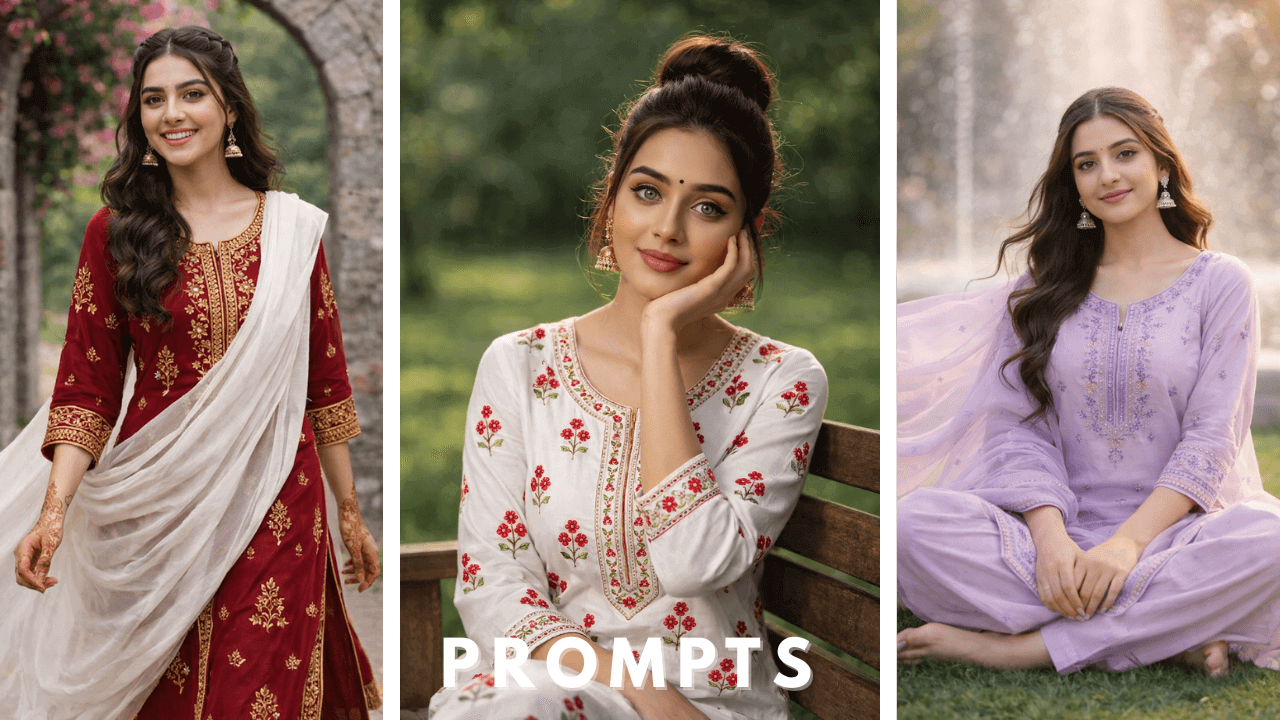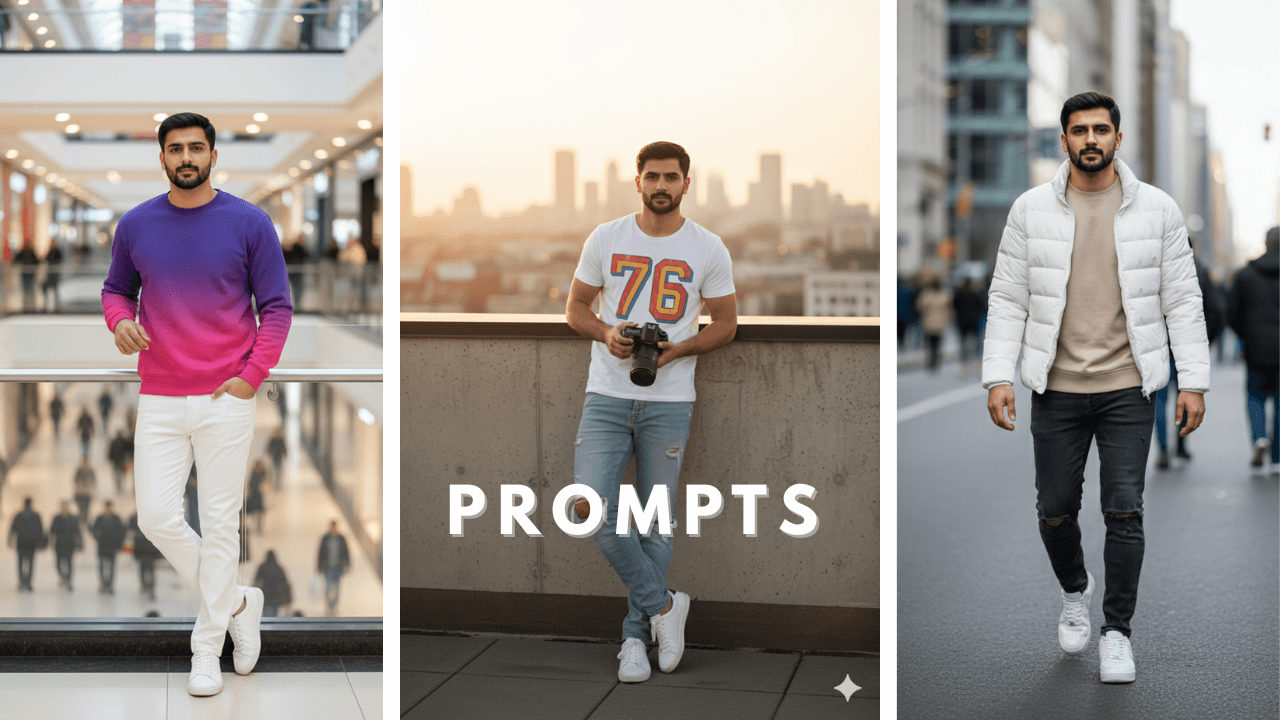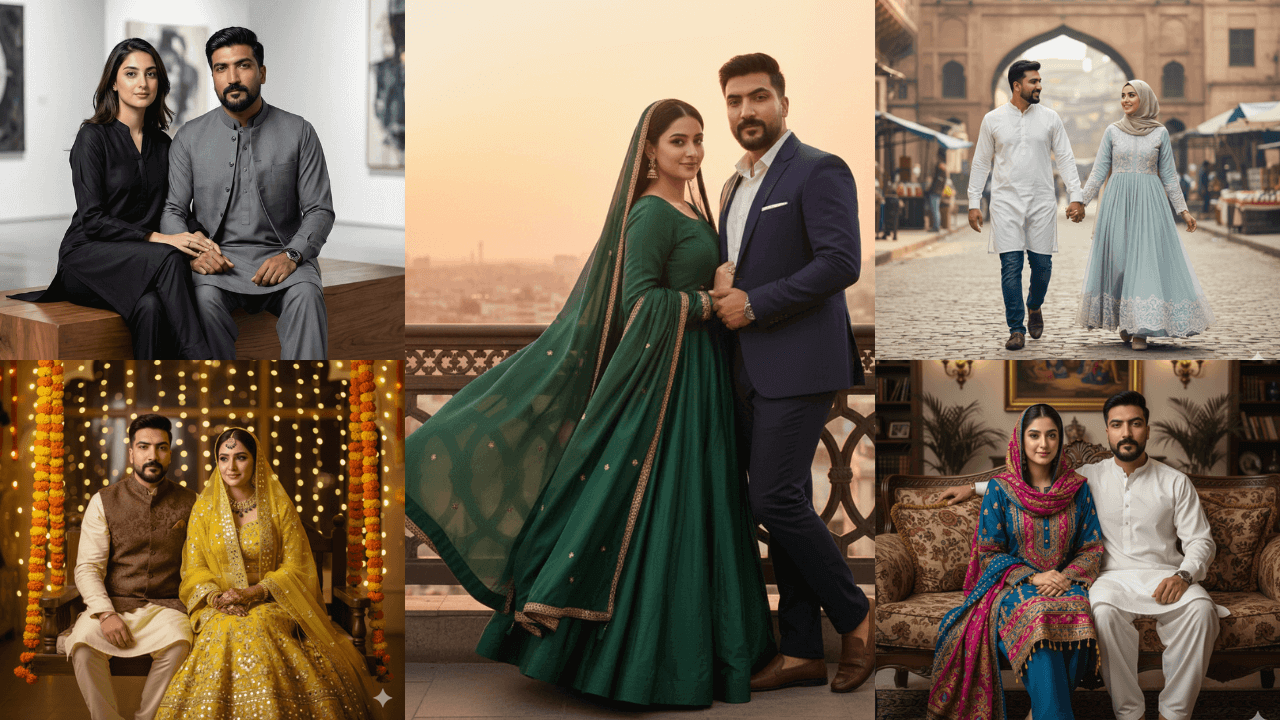
AI photo editing has changed the way modern portraits are created. With the right prompt structure and a disciplined approach, creators can now generate professional-quality images that maintain facial accuracy, sharp details, and realistic lighting.
When I first started exploring advanced AI prompts, I made the mistake of thinking that longer prompts meant better results. I would write paragraphs of flowery language, only to get back images that looked artificial and over-processed. After months of testing and refinement, I learned that true advanced prompting is about precision, not poetry.
This article is written as an educational guide, not just a prompt list. Its purpose is to explain how and why advanced AI photo editing prompts work, so results remain consistent instead of random. You will learn how realism is achieved, why face distortion happens, and how to avoid blurry or artificial output.
What Makes an AI Photo Editing Prompt “Advanced”?
An advanced AI photo editing prompt is not about using fancy words. It focuses on control and realism, including:
- Clear lighting instructions
- Natural depth and sharp focus
- Face-preservation logic
- Realistic clothing and environment choices
When these elements are missing, AI images often look soft, distorted, or unnatural.
For beginners who want to master the fundamentals before exploring advanced techniques, our Boys AI Photo Prompts: The Ultimate Guide covers all the basics you need.
Image Generation Process (Very Important)
Professional results using tools like ChatGPT Image Generation or Google Gemini depend more on process than prompt length.
Follow this workflow:
- Upload a clean, front-facing reference image
- Avoid filters, heavy edits, sunglasses, or side angles
- Use clear instructions for sharp focus and realism
- Avoid cinematic glow, dreamy light, or excessive blur
- Generate one prompt at a time
Following this process alone fixes most face-change and blur issues.
15 Advanced AI Photo Editing Prompt Examples
(Educational examples – adapt to your own images)
Important Note
The prompts below are provided as examples only. They are included to explain prompt structure, lighting control, and realism logic.
Always adjust outfits, locations, and mood based on your own reference image.
1. Rooftop Lifestyle Portrait
Prompt:
Generate an ultra-sharp 8K portrait of a young man wearing a light pastel shirt paired with neutral trousers, standing on a rooftop during golden hour. Use natural sunlight evenly illuminating the face, subtle city depth in the background, realistic skin texture, crisp fabric details, and zero artificial blur.

Rooftop golden hour shots are always winners. The key was “evenly illuminating the face” – it prevented harsh shadows.
2. Indoor Classic Portrait with Books
Prompt:
Create a high-detail 8K portrait of a young man wearing a casual jacket over a plain t-shirt, standing near bookshelves. Apply soft indoor lighting, natural shadows, accurate skin tones, and sharp facial focus without cinematic effects.

Bookshelves add an intellectual vibe. Soft indoor lighting kept it natural.
3. Rainy Street Fashion Portrait
Prompt:
Generate a realistic 8K portrait of a young man wearing a long coat on a wet street. Include natural street reflections, controlled lighting, realistic rain texture, sharp facial features, and clean depth separation without glow or blur.

Rainy street shots are moody and cinematic. The wet reflections added authenticity.
4. Beach Sunset Casual Portrait
Prompt:
Create an ultra-realistic 8K portrait of a young man in a light summer outfit standing near the beach at sunset. Use warm natural light, balanced exposure, sharp facial details, and realistic fabric movement.

Beach sunsets are classic. The fabric movement added life to the image.
5. Urban Wall Style Portrait
Prompt:
Generate a clean 8K portrait of a young man leaning against an urban wall, wearing a modern jacket and sneakers. Maintain neutral lighting, realistic skin texture, sharp edges, and minimal background distraction.

Simple and effective. The urban wall added texture without distraction.
6. Balcony Minimal Look Portrait
Prompt:
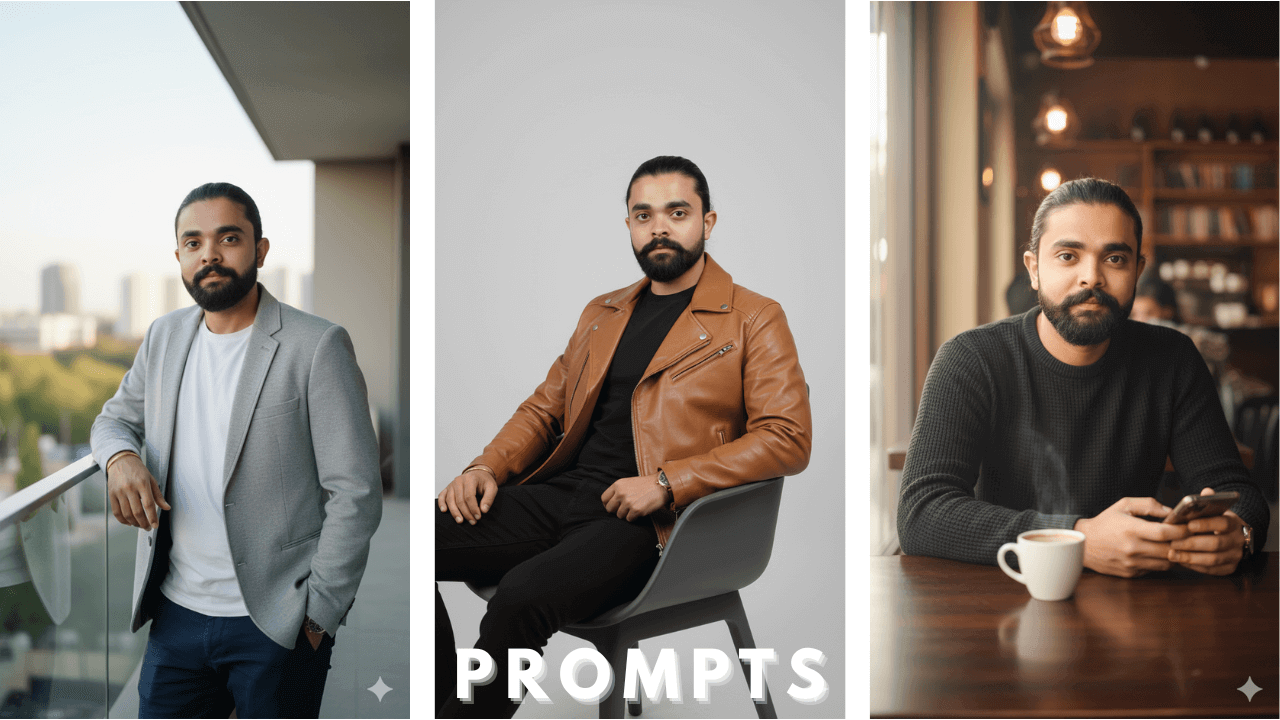
Create a high-quality portrait of a young man standing on a balcony wearing a casual blazer over a simple outfit. Use soft daylight, accurate proportions, natural posture, and sharp facial clarity.

Balcony shots with blazers look sophisticated. Soft daylight kept it natural.
7. Garden Morning Portrait
Prompt:
Generate an ultra-realistic 8K portrait of a young man wearing a semi-traditional outfit in a garden setting. Apply soft morning sunlight, gentle shadows, natural color tones, and clear facial focus.

Garden settings are always fresh. Morning sunlight created beautiful soft shadows.
8. Café Sitting Portrait
Prompt:
Create a detailed portrait of a young man seated at a café table. Use warm indoor lighting, realistic skin texture, shallow natural depth, and a calm, confident expression with sharp facial details.

Café shots are universally appealing. Warm indoor lighting created a cozy atmosphere.
9. Street Hoodie Portrait
Prompt:
Generate a sharp 8K portrait of a young man wearing a hoodie on a city street. Use balanced lighting, realistic background depth, clean face definition, and controlled contrast.

Hoodie shots are casual and cool. Balanced lighting kept everything natural.
10. Park Bench Lifestyle Portrait
Prompt:
Create a realistic portrait of a young man sitting on a park bench during late afternoon. Include soft natural sunlight, relaxed posture, accurate skin tones, and a clean, distraction-free background.

Park bench shots are classic lifestyle. Late afternoon light is always flattering.
11. Heritage Street Portrait
Prompt:
Generate an ultra-realistic portrait of a young man wearing a simple traditional outfit in a heritage street environment. Use natural daylight, detailed fabric texture, sharp facial features, and realistic surroundings.

Heritage settings add cultural depth. Detailed fabric texture made the outfit look real.
12. Night Rooftop Portrait
Prompt:
Create a clean night portrait of a young man standing on a rooftop. Apply controlled artificial lighting, realistic shadows, sharp facial clarity, and avoid cinematic glow or lens effects.

Night shots are tricky. Controlled artificial lighting prevented the image from being too dark.
13. Relaxed Leather Jacket Portrait (Modern Editorial Style)
Prompt:
Generate a high-detail, ultra-realistic portrait of a young man wearing a camel-colored leather jacket over a minimal inner shirt. Place him either seated casually on a modern chair or standing while leaning against a plain wall. His pose should feel relaxed and confident, with a natural model-like expression — slightly serious but effortless. Use balanced directional lighting to highlight facial structure, realistic skin texture, and detailed jacket material. Keep the background clean and uncluttered, ensuring sharp focus on the face with a natural depth of field for a premium editorial look.

Camel leather is classic and sophisticated. Balanced directional lighting highlighted the jacket texture perfectly.
14. Courtyard Fashion Portrait
Prompt:
Create a realistic portrait of a young man wearing a light blazer in a courtyard setting. Apply soft daylight, accurate proportions, natural shadows, and detailed textures.

Courtyard settings add architectural interest. Soft daylight created beautiful, even lighting.
15. Studio Editorial Portrait
Prompt:
Generate an ultra-sharp studio portrait of a young man wearing a minimal, modern outfit. Use even studio lighting, realistic skin texture, sharp edges, and a clean editorial aesthetic.

Studio shots are clean and professional. Even studio lighting prevented harsh shadows.
Research & Analysis: What Testing Shows
After testing multiple AI tools and hundreds of generations, the following patterns are consistent:
- Face accuracy improves with clean reference images
- Over-styled language increases distortion
- Sharp images require explicit clarity instructions
- Most problems come from prompt wording, not the AI model
True realism comes from discipline, not exaggeration.
Pro Tip Guide: Maintaining Face & Image Consistency
- Always demand full-frame sharpness
- Avoid cinematic glow, dreamy light, or heavy bokeh
- Use realistic camera logic (depth, focus, balance)
- Keep clothing layers practical
- Use one strong reference image instead of multiple weak ones
These practices have saved me countless hours of regeneration.
Conclusion
AI photo editing delivers its best results when prompts are precise, realistic, and educational in intent. This guide is designed to help creators understand why advanced prompts work, not just copy them.
By focusing on lighting logic, face consistency, and clean reference images, you can generate professional-grade portraits that look natural, sharp, and reliable across different AI platforms.
Thank you!